Loading Table of Contents...
What Is Vbee AI? Features, Pricing, and a Detailed User Guide
Quick Summary
Collapse
What is Vbee? Explore its AI voice generation features, pros and cons, pricing plans, and step-by-step instructions for converting text to speech.
Vbee AI is an artificial intelligence-powered voice technology platform best known for converting written text into natural-sounding speech without recording your own voice. It offers a variety of Vietnamese voices, audio customization options, and tools for producing videos, lessons, podcasts, and advertisements. In this article, Connect Tech explores Vbee’s key features, advantages, limitations, pricing, and how to get started.
What Is Vbee AI?
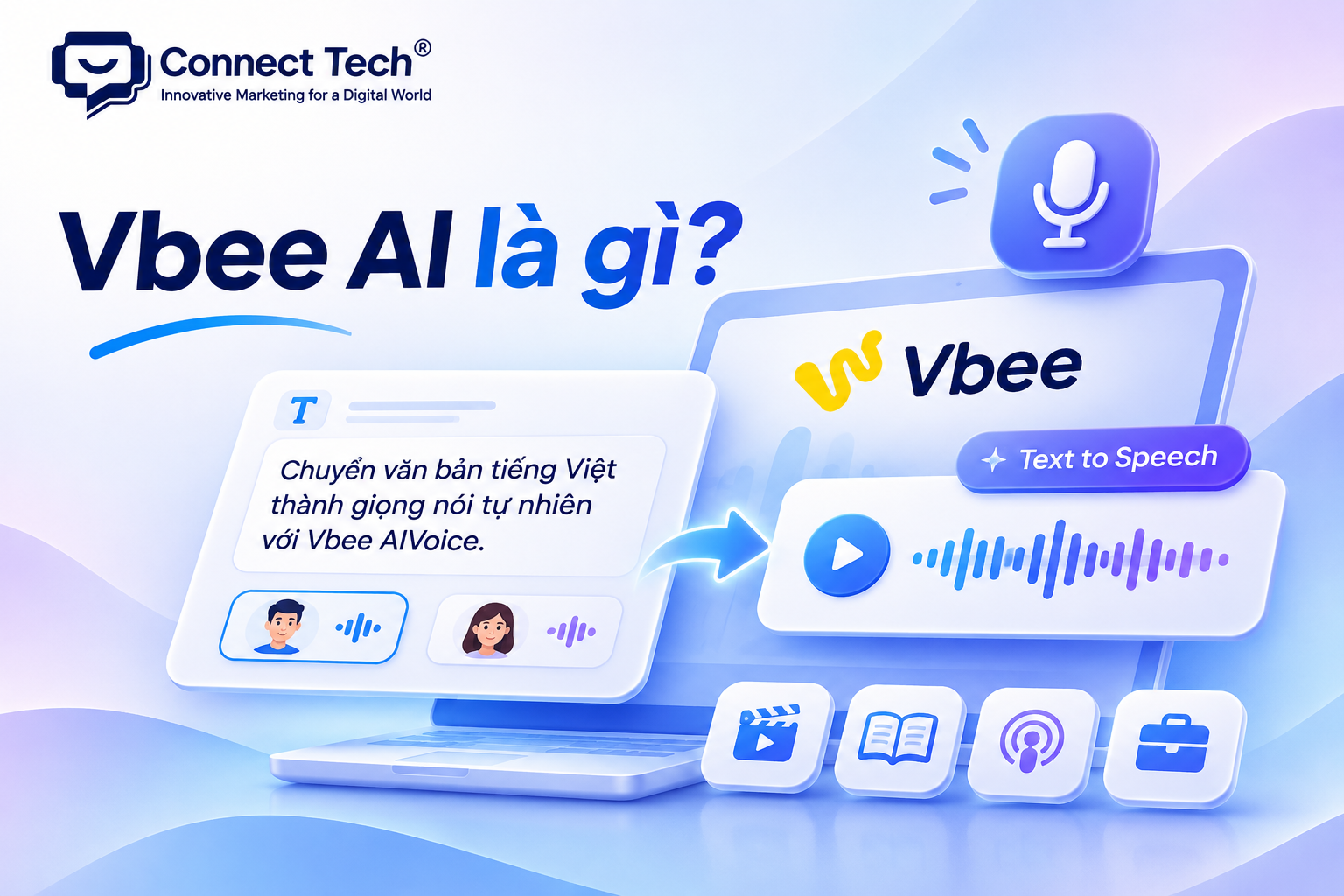
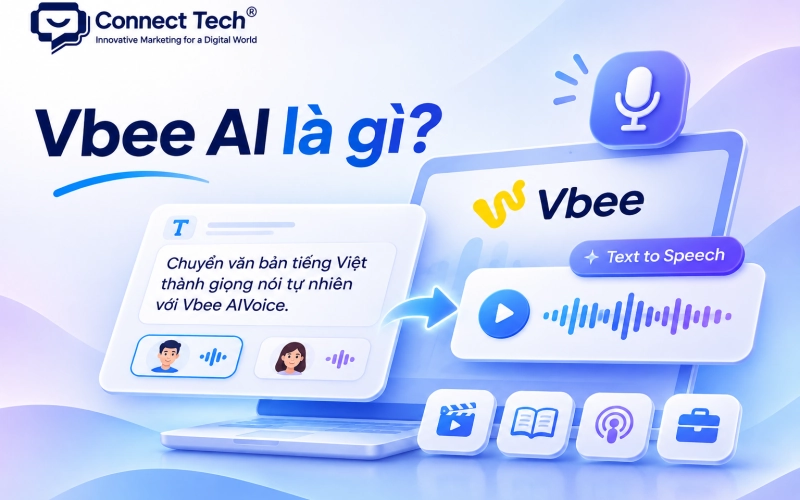
Vbee AI is a voice technology platform developed in Vietnam that applies artificial intelligence to voice generation and processing for individuals, content creators, and businesses. One of its flagship products, Vbee AIVoice, turns written content into audio without requiring users to record themselves.
Vbee AIVoice uses Text to Speech (TTS) technology. Instead of reading each line into a microphone, you enter your text, choose a suitable voice, and let the AI generate an audio file.
The process generally involves three simple steps:
Enter your text: Provide the content you want to turn into speech, such as a video script, lesson, or product introduction.
Choose a voice: Select a male or female voice, a regional accent, and any available settings.
Generate audio: The AI processes the text, creates the narration, and lets you listen to or download the result.
A major strength of Vbee is its support for Vietnamese voices. It can help produce clear, accessible narration that sounds appropriate to Vietnamese audiences.
This makes Vbee worth considering for YouTubers, TikTok creators, teachers, marketers, and businesses that want to produce audio quickly without investing heavily in recording equipment.
Key Features of Vbee
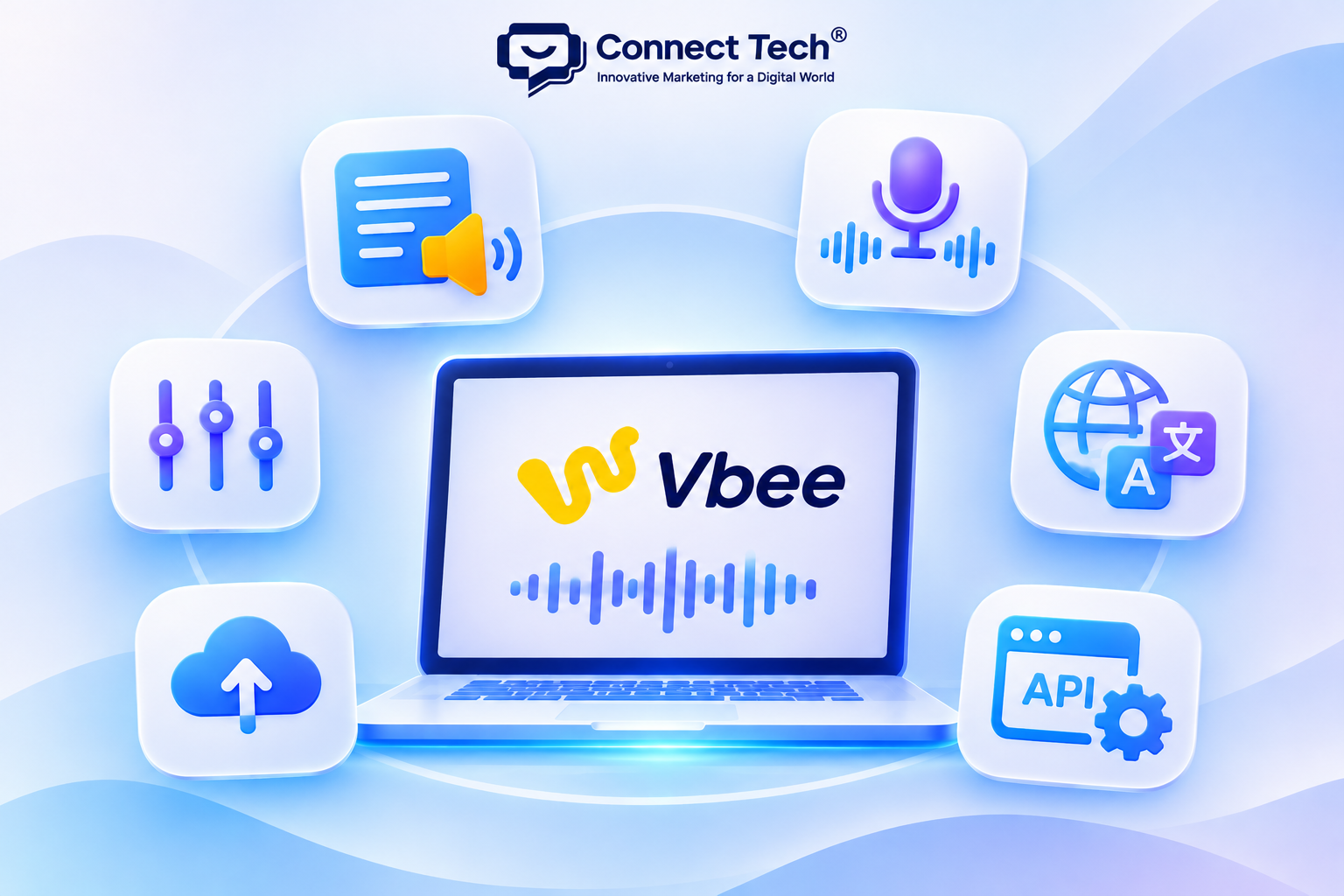
Vbee offers several voice-related features, from converting text to speech to adjusting narration and integrating speech technology into other systems. These tools can save production time and give users greater flexibility when creating audio.
AI Text-to-Speech Conversion
The AI text-to-speech feature converts written content into audio in just a few steps. It is the core function of Vbee AIVoice and one of the main reasons people use the platform.
You can enter almost any text, such as a product introduction, video script, or lesson. After selecting a voice, the system processes the text and generates the corresponding audio.
Notable benefits include:
- Vietnamese language support: A selection of male, female, and regional Vietnamese voices.
- Fast audio generation: No need to record each sentence or use a dedicated microphone.
- Easy revisions: Change the script and regenerate the audio when necessary.
- Flexible applications: Suitable for videos, podcasts, audiobooks, lessons, and advertising.
For example, if you run an educational YouTube channel, you can write your script, use Vbee to generate narration, and combine the audio with visuals during video editing.
This workflow is particularly useful for creators who prefer not to use their own voices or do not have a suitable recording space.
Customizing Vbee AI Voices
Voice customization allows you to control how your content is delivered instead of relying entirely on default output. Depending on the selected voice and subscription plan, you may be able to adjust settings to better match your intended use.
Available options may include:
- Voice selection: Choose a male or female voice, regional accent, and appropriate speaking style.
- Speaking speed: Increase or decrease the pace to help listeners follow along.
- Pauses: Adjust breaks between sentences or sections.
- Pronunciation checks: Preview the audio and revise words the AI does not pronounce correctly.
A short advertisement, for instance, often benefits from clear, energetic narration with a faster pace and strong emphasis. An audiobook or lesson, on the other hand, may work better with moderate pacing and natural pauses.
Although AI can produce natural-sounding speech, the quality still depends on how the text is written. Proper punctuation, shorter sentences, and fewer ambiguous abbreviations usually improve the result.
AI Voice Cloning
AI voice cloning creates a synthetic voice based on audio recordings of a real person. Instead of choosing only from preset voices, users can create a custom voice for their content production needs.
This can be especially useful for individuals or businesses that want a consistent voice across multiple projects.
For example, a brand could use a licensed recording of its spokesperson to narrate multiple product videos. When the script changes, the business can generate new audio without arranging another full recording session.
However, voice-cloning quality depends on the source recordings, recording conditions, and processing technology. A cloned voice may not perfectly reproduce every emotion or nuance of a real speaker.
Important: Voice cloning requires the voice owner’s consent and compliance with the platform’s terms. Do not clone or use someone else’s voice without permission.
Multilingual Support and API Integration
Vbee is not limited to creating audio through its web interface. It also provides voice technology solutions that can be integrated into websites and software applications.
For multilingual content, users can explore the languages and voices currently supported by the platform. Voice availability and pronunciation quality may vary by language, so previewing samples is recommended.
Vbee also offers API (Application Programming Interface) integration. An API allows software systems to communicate with a voice service without manually performing every step through the user interface.
For instance, a business could integrate text-to-speech technology into its systems to generate spoken announcements, read information automatically, or support customer service workflows.
The main difference is the workflow: individual users typically work directly in Vbee AIVoice, while businesses may need technical staff to integrate the API into existing systems.
Advantages and Limitations of Vbee
Vbee stands out for its Vietnamese voice options and simplified audio production process. However, like other AI voice generators, it also has limitations worth considering.
|
|
|
|
|
|
|
|
|
|
|
|
|
|
|
|
|
|
Overall, Vbee is suitable for users who value convenience, want to produce Vietnamese-language content, and do not need extensive control over voice acting.
For projects requiring complex emotions, such as dramatic storytelling, premium advertising, or artistic productions, AI narration may need further editing or the support of a professional voice actor.
Is Vbee Free? Latest Vbee Pricing
Vbee offers a free plan that lets users try text-to-speech technology without paying. However, it limits daily usage credits and access to some advanced features. If you regularly create videos, podcasts, or long-form audio, a paid plan may be more suitable.
According to the official pricing information reviewed in November 2026, the free plan provides 3,000 credits per day, equivalent to approximately 3,000 characters or 4.2 minutes of audio using a basic voice. It also includes certain features such as pause adjustments, SRT subtitle conversion, and quick voice cloning.
Paid plans use a credit system to measure processed content. Credit consumption may vary depending on the voice type and feature, so estimate your monthly text volume before subscribing.
The main plans are summarized below.
|
|
|
|
|
|
|
|
|
|
|
|
|
|
|
|
|
|
|
|
|
|
|
|
Note: These are indicative prices based on the default configuration displayed in November 2026. Prices, credits, features, and promotions may vary by billing cycle and plan configuration. Check the current details at https://vbee.vn/vi/pricing.
Which plan should you choose? If you only want to test voice quality or occasionally make short videos, the free plan may be enough. Regular creators can consider Standard or Special for more credits and voice options.
For premium voices, cloning, or large-scale processing, VIP and custom plans may be more suitable. Businesses requiring API integration should contact Vbee for guidance based on their usage needs.
You can check the latest pricing and benefits on Vbee’s official pricing page: https://vbee.vn/vi/pricing.
How to Use Vbee to Convert Text to Speech
Using Vbee is straightforward, even if you have never worked with an AI voice generator. Prepare your script, select a voice, and follow a few steps to create an audio file.
Here is a step-by-step guide for beginners.
Step 1: Visit Vbee and Create an Account
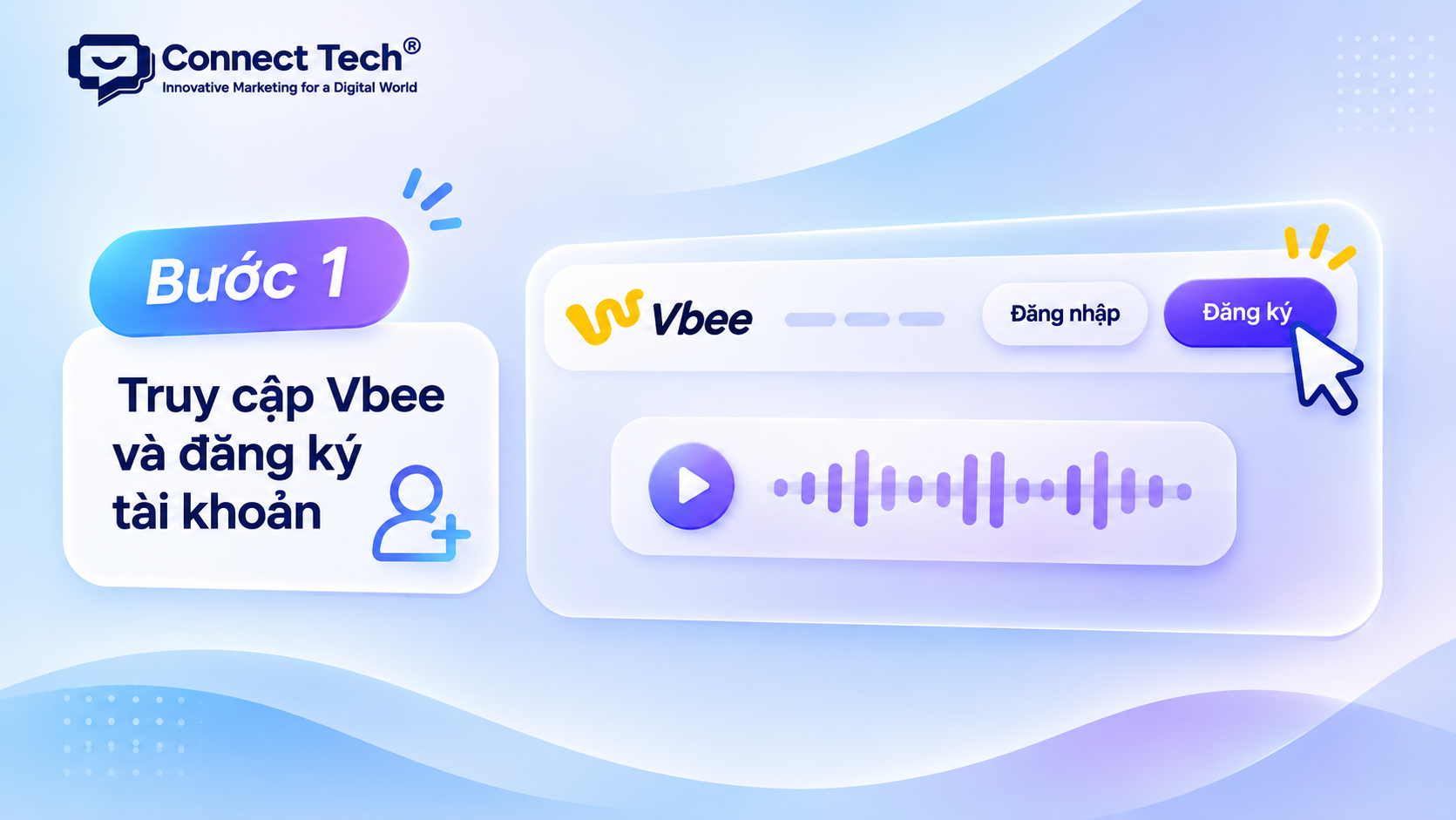
First, visit Vbee and choose to sign up or log in.
After signing in, open Vbee AIVoice Studio to begin creating audio. This interface brings together tools for converting text, choosing voices, and managing generated content.
If this is your first time using the service, start with the free plan to explore its features before upgrading.
Step 2: Enter the Text You Want to Convert
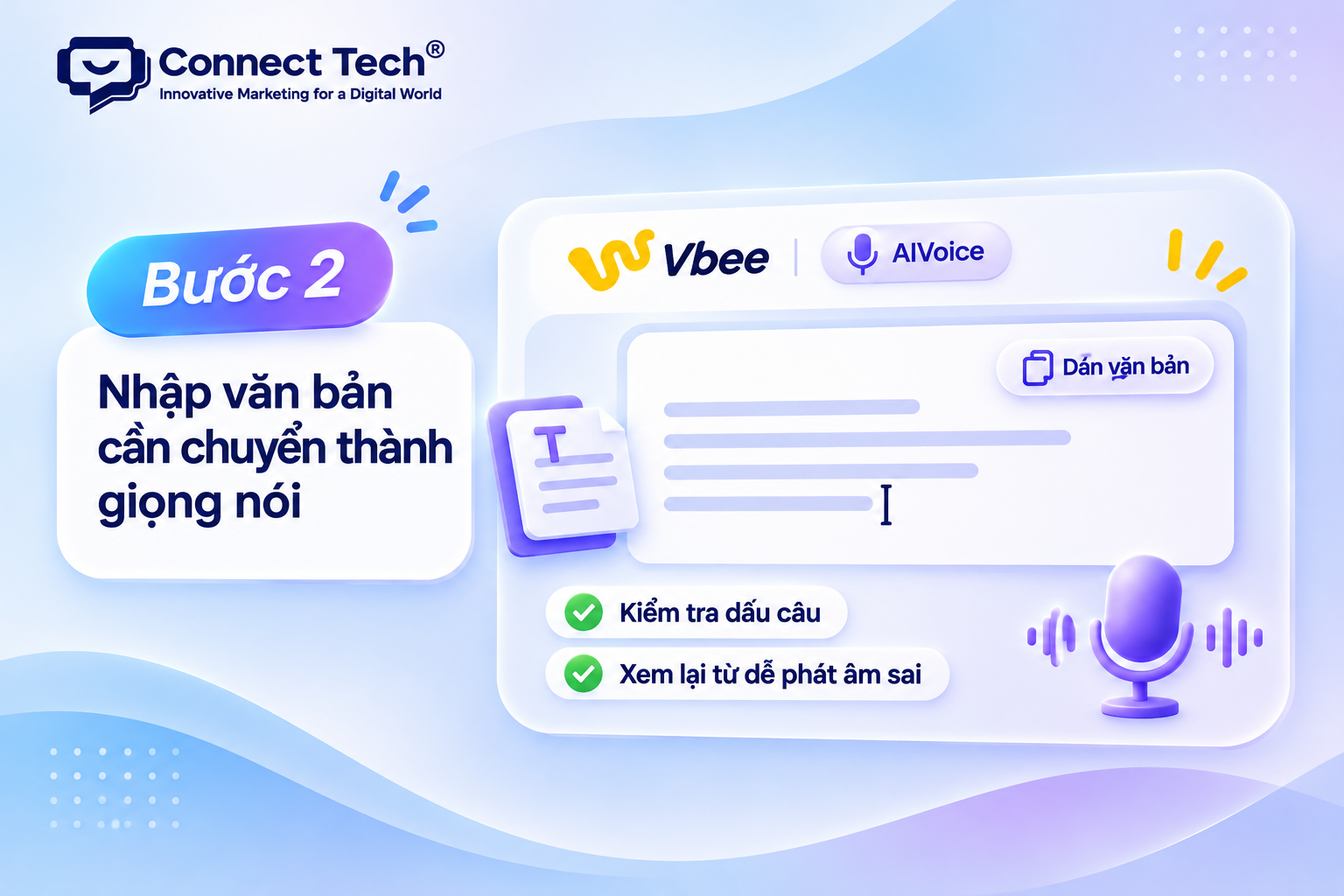
In the voice-generation interface, type or paste the text you want to turn into audio.
It could be a product introduction, video script, lesson, or any other content you want your audience to hear.
For better results, follow these writing guidelines:
- Use short, clear sentences and appropriate punctuation.
- Avoid abbreviations that may be difficult to pronounce.
- Check spelling, especially names and technical terms.
- Break the text into logical paragraphs to create natural pauses.
For example, instead of entering one long paragraph with several connected ideas, split it into shorter sentences. This helps the AI determine the rhythm and makes the narration easier to follow.
Step 3: Choose a Suitable Voice
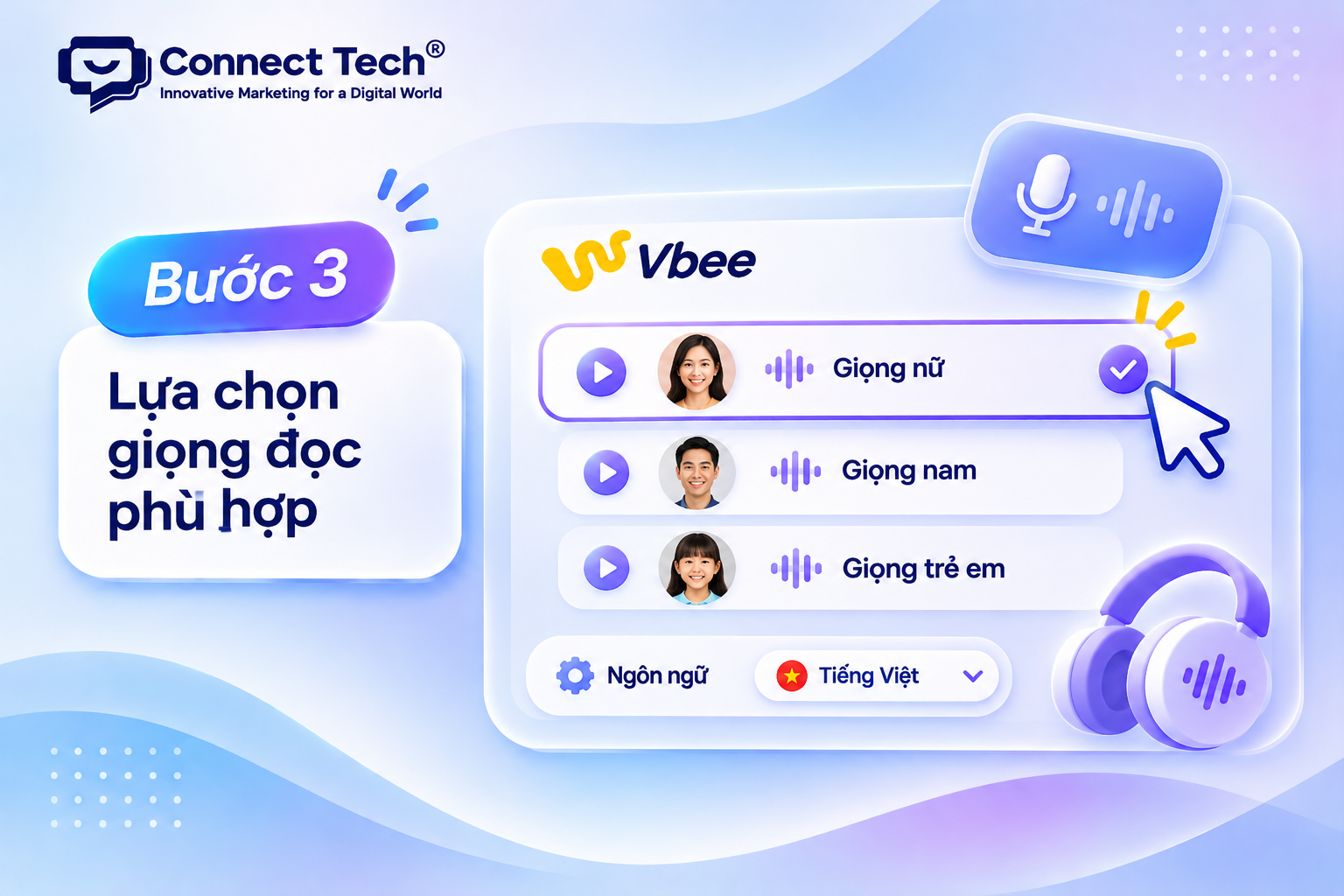
After entering your text, choose a voice based on language, gender, and the options offered by the platform.
This matters because different voices suit different types of content. An educational video may benefit from clear narration at a moderate pace, while an advertisement may call for a more energetic delivery.
Preview several voices before deciding. Listening to them side by side helps you identify the best fit for your message and audience.
Step 4: Adjust Settings and Generate Audio
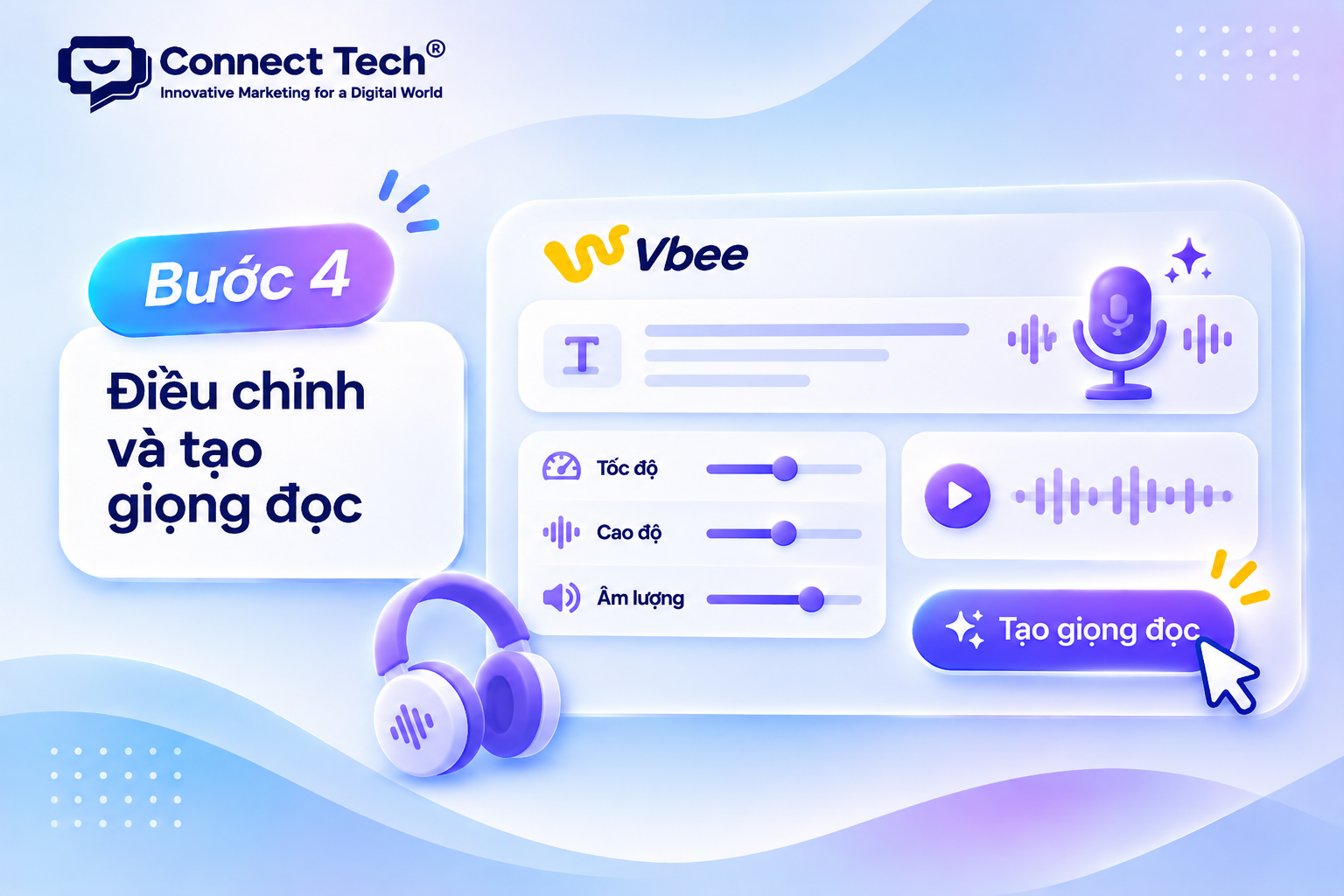
Once you have chosen a voice, adjust supported settings such as speaking speed and pauses.
Then use the audio-generation function to process the text.
Listen to the entire result after generation. If a word is mispronounced or a section sounds unnatural, revise the script and regenerate the audio.
A simple tip is to pay attention to commas and periods. Moving a punctuation mark can sometimes make the narration sound more natural without changing many settings.
Step 5: Download the Audio File
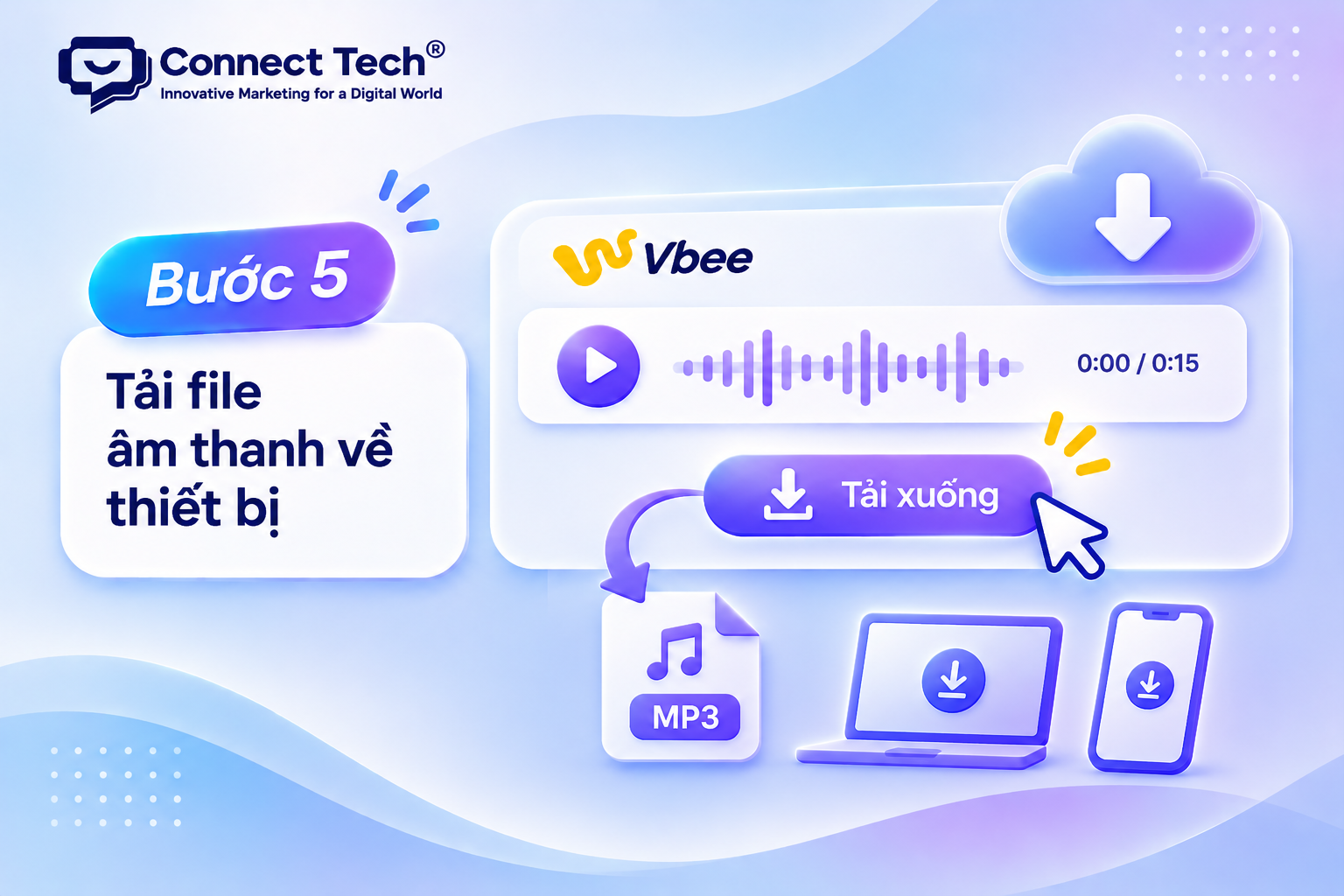
When you are satisfied, use the download option to save the audio file in a format supported by the platform.
You can import the file into video editing software, presentations, or other audio projects.
For example, when creating a TikTok video, you can import the narration into CapCut, combine it with images and background music, and time each scene to match the spoken words.
Before using the audio commercially, review the usage rights associated with your plan and selected voice.
What Can Vbee Be Used For?
Vbee is useful across many workflows that involve turning written content into audio, especially digital content production, education, and communications. Automated narration can reduce recording and editing time for relatively straightforward material.
Content Creation for YouTube, TikTok, and Reels
Vbee lets creators produce video narration without recording their own voices. It can be used for educational videos, product introductions, storytelling, and service tutorials.
For example, a TikTok channel about AI tools could use the same voice across its videos, simplifying production and creating a more consistent identity.
Education and Training
In education, Vbee can convert lectures, study materials, and instructions into audio. Students and working professionals can listen to documents instead of only reading them on a screen.
Teachers can also add narration to online lessons, especially when the material needs frequent updates.
However, lessons containing specialized terminology should be checked carefully for pronunciation before publication.

Marketing and Advertising
Vbee can help produce voiceovers for advertising videos, product introductions, and branded communications.
For example, a store producing multiple product videos can prepare scripts and generate audio for each one. When prices, offers, or product details change, the store can update the text and create a new recording.
This reduces the need to record again, particularly for campaigns with several content variations.

Podcasts and Audiobooks
Vbee converts written material into audio, making it useful for people experimenting with podcasts or audiobooks.
You can prepare a script, divide it into sections, and select a voice suited to the topic. The resulting audio files can then be combined and edited into a complete production.
However, stories requiring strong emotions or frequent changes between character voices should be tested carefully to see whether AI narration meets the intended quality.
Business and Customer Service
Businesses can apply Vbee’s voice technology to automated announcements, call-center systems, and customer service software.
For example, a system could convert written notifications into spoken messages. With API integration, this process can be automated instead of requiring staff to generate each file manually.
Systems with high traffic or real-time processing requirements should consult the provider to select an appropriate technical solution.

Should You Use Vbee for AI Voice Generation?
Vbee is worth considering if you need to create Vietnamese narration quickly, prefer an easy-to-use tool, and do not want to record your own voice. It is particularly suitable for clear, structured scripts that require frequent audio production but not complex vocal performance.
Consider Vbee if you:
- Regularly produce YouTube, TikTok, or other social media videos.
- Need voiceovers but lack a microphone or suitable recording space.
- Want to convert lessons, documents, or written content into audio.
- Prefer to compare several voices before choosing one.
- Need to generate audio quickly for frequently changing content.
On the other hand, if you are producing premium advertisements, dramatic films, or content requiring subtle emotional expression, test the AI carefully before relying on it entirely.
Lines requiring excitement, surprise, or strong emotion may not be as convincing as a human performance. You will also need time to check pronunciation and adjust pacing.
The best approach is to start with a short script, generate it using several voices, and listen in the context of your actual project. If the quality meets your needs, continue with the free plan or upgrade for a larger allowance.
Frequently Asked Questions About Vbee
Does Vbee Support Vietnamese Voices?
Yes. Vbee supports a range of Vietnamese voices, including male, female, and regional accents. Users can select a voice suitable for product videos, lessons, or podcasts. Some advanced voices may require a paid subscription.
Can You Use Vbee on a Mobile Phone?
Yes. You can access Vbee on a mobile device and use features supported by the platform. Vbee also provides guidance for its mobile interface. Button placement and workflows may differ from the desktop version.
Can Vbee Voices Be Used Commercially?
Commercial usage depends on Vbee’s terms of service, the type of voice, and applicable usage rights. Before using audio in advertisements, paid products, or monetized content, check the current licensing policy, especially for cloned or community voices.
Can Vbee Create Human-Like Voices?
Vbee uses AI to generate speech with relatively natural pronunciation and rhythm. In addition to preset voices, it supports voice cloning from sample recordings. However, how closely the result resembles a real person depends on the source data, processing technology, and script.
Vbee is an AI tool for converting text into speech, particularly useful for people who regularly produce Vietnamese-language content. With a variety of voice options, audio customization features, and flexible plans, it can serve both individuals and businesses. If you are looking for a quick way to create narration, try Vbee’s free plan before deciding whether to upgrade.

Table of Contents