Loading Table of Contents...
WordPress vs Laravel: Which Platform Should You Choose for Your Website?
Quick Summary
Collapse
Compare WordPress and Laravel in terms of cost, SEO, performance, security, and scalability to choose the right platform for your business website.
The choice between WordPress and Laravel should depend on your website goals, management requirements, integration needs, budget, and long-term growth plans. WordPress is well suited to websites that need convenient content management and access to a broad range of ready-made features, while Laravel is a strong option for projects that require custom workflows, data structures, or business-specific functionality.
In this article, Connect Tech compares WordPress and Laravel based on the factors businesses care about most, including cost, SEO, performance, security, eCommerce, and long-term scalability.
|
|
|
|
|
|
|
|
|
|
|
|
|
|
|
|
|
|
|
|
|
|
|
|
|
|
|
|
|
|
|
|
|
|
|
|
|
|
|
|
What Is the Difference Between WordPress and Laravel?
The biggest difference lies in where each platform starts: WordPress provides a ready-made content management system, while Laravel provides developers with a framework for building web applications around specific requirements.
WordPress Is a CMS With Built-In Content Management
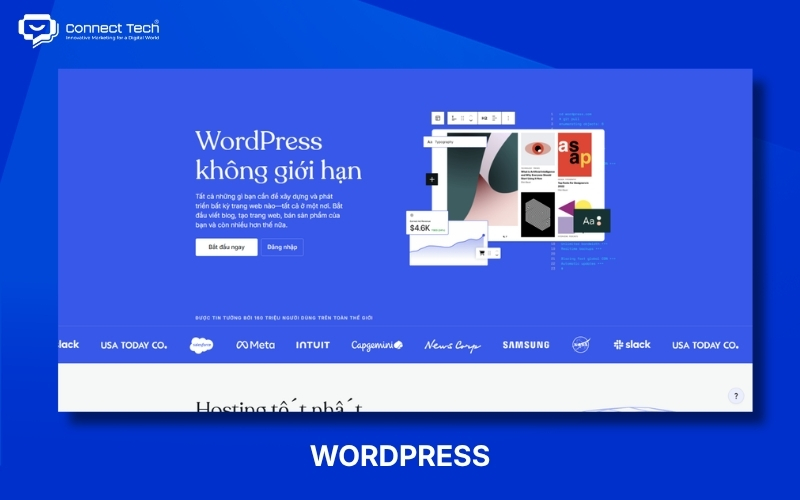
WordPress is a content management system that allows businesses to create, edit, and publish website content through an admin dashboard. Users can manage blog posts, service pages, images, accounts, and other content without modifying source code during routine tasks.
WordPress extends its functionality through themes and plugins. Themes largely control how a website looks, while plugins can add features such as contact forms, SEO tools, eCommerce, booking systems, or integrations with external platforms.
Businesses can also develop custom interfaces and functionality on WordPress. WordPress therefore does not necessarily mean using a pre-built template, nor is it limited to simple websites.
Laravel Is a Framework for Building Web Applications
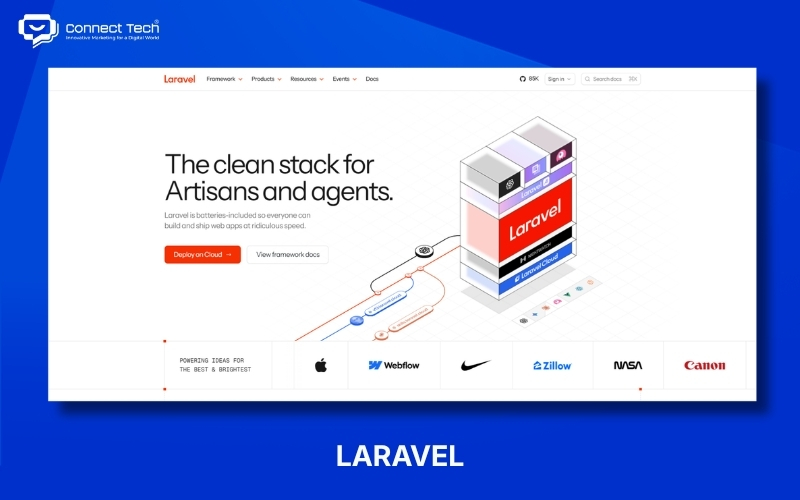
Laravel is a PHP framework that provides developers with the structure and tools required to build websites and applications around specific project requirements. Laravel does not include a complete CMS by default, so the development team usually needs to define how data, user permissions, workflows, and the administration interface will work.
Laravel supports many components required for application development, including routing, authentication, authorization, database interaction, APIs, queues, and testing. The Laravel ecosystem also provides starter kits and supporting tools, so it is not accurate to assume that every feature must always be built entirely from scratch.
The core difference is how the two solutions begin a project: WordPress starts with a content management system that already includes many common features, while Laravel starts with a development framework that allows the technical team to build a system around specific business requirements.
Comparing WordPress and Laravel Based on Real-World Operations
Operational requirements often reveal the differences between the two platforms more clearly than technical specifications because businesses need to use their websites every day after launch.
|
|
|
|
|
|
|
|
|
|
|
|
|
|
|
|
|
|
|
|
|
|
|
|
|
|
|
|
Comparing WordPress and Laravel for SEO, Performance, and Security
SEO, performance, and security depend heavily on how a website is designed, developed, and maintained, so these areas cannot be evaluated accurately based on the platform name alone.
|
|
|
|
|
|
|
|
|
|
|
|
|
|
|
|
|
|
|
|
|
|
|
|
|
|
|
|
How Do WordPress and Laravel Costs Differ?
The cost difference mainly comes from the development scope and how much each solution can reuse existing components, rather than one platform always being cheaper or more expensive.
Initial Development Cost
WordPress can reduce initial development costs when a project can make good use of its existing content management features and proven solutions. Corporate websites, blogs, landing pages, or online stores with common workflows often do not need every component to be developed from scratch.
Laravel may require more development work when a project needs a custom administration system, business logic, or data integrations. However, that investment may be justified when the business genuinely needs functionality that off-the-shelf solutions cannot support effectively.
Businesses should compare quotations based on the same project scope, including:
- Number of interfaces that need to be designed.
- User-facing functionality.
- Administration functionality.
- Data entry or migration.
- Third-party system integrations.
- Testing.
- User training.
- Warranty and support scope.
Comparing a WordPress website built with an existing theme against a fully custom-designed and custom-developed Laravel system does not provide a meaningful cost comparison.
Operating and Maintenance Costs
Operating costs include expenses that continue after the website is launched. Businesses should consider hosting, domain names, backups, licenses, maintenance, updates, and technical support rather than looking only at the initial development quotation.
WordPress may involve recurring costs for commercial themes or plugins when paid products are used. Businesses should also confirm who owns the licenses and how renewal fees will be handled.
Laravel may involve higher technical staffing costs when a system contains a significant amount of custom code. Changes to business processes often require developers to review application logic, databases, and system integrations before implementation.
Maintenance costs should not be evaluated simply by counting plugins or packages. Businesses should assess the importance of each component, its update requirements, and the responsibilities of the service provider.
Total Cost of Ownership Matters More Than the Initial Website Price
Total cost of ownership helps businesses evaluate a website investment over several years rather than comparing only the upfront development fee.
A useful formula is:
Total Cost of Ownership = Development + Infrastructure + Licenses/Services + Maintenance + Future Development
For example, a solution with a lower initial cost may become more expensive over three years if the business frequently needs to purchase additional tools or modify the system. In contrast, a solution with a higher upfront investment may reduce manual work and lower the risk of rebuilding the website if it closely matches the business process from the beginning.
Businesses should identify likely changes over the next two or three years before choosing an architecture. This planning helps the development team recommend a suitable technical approach and gives the business a more realistic basis for comparing quotations.
Should You Choose WordPress or Laravel?
WordPress or Laravel should be selected based on the type of work the website needs to perform, rather than the size or perceived status of the business.
Choose WordPress When Content and Marketing Are the Main Priorities
WordPress should be considered first when a business needs to manage content frequently and the website follows relatively standard workflows. Its existing management tools allow marketing teams to take greater control of publishing articles, updating services, and creating new content.
WordPress is commonly suitable for:
- Corporate websites.
- Service websites.
- Blogs and knowledge hubs.
- Portfolios and case study websites.
- Landing pages.
- News websites.
- eCommerce websites with standard purchasing workflows.
- Websites that require frequent updates from the marketing team.
Businesses should still evaluate theme quality, plugins, custom code, and maintenance procedures before development begins. Choosing WordPress does not mean installing as many plugins as possible.
Choose Laravel When Custom Business Logic Is the Main Priority
Laravel should be considered first when a website behaves more like a software application or needs to process complex business rules. The framework gives developers greater control over data, access permissions, and workflows.
Laravel is often suitable when a project requires:
- Multiple account types with different permissions.
- Different pricing for different customer groups.
- Multi-step approval workflows.
- Custom dashboards and reports.
- Complex data relationships.
- Deep integration with CRM, ERP, or internal systems.
- APIs for other applications.
- Business logic that changes as operations evolve.
Businesses still need an easy-to-use administration system when non-technical employees will manage the platform. Using Laravel does not mean the marketing team needs to work directly with source code.
Both WordPress and Laravel can produce high-quality websites when the platform matches the project requirements and is implemented correctly. WordPress offers clear advantages when content management, operational independence, and faster implementation are priorities, while Laravel provides greater flexibility when a website needs to handle custom processes, complex data, or deeper system integrations.
If you are still unsure whether WordPress or Laravel is the right choice for your project, contact Connect Tech for recommendations based on your actual requirements, required functionality, budget, and long-term website development plans

Table of Contents