Loading Table of Contents...
What Is SEO Onpage? A Simple Guide For Beginners
What is onpage SEO? Learn how to optimize content, structure, speed, and images to rank higher on Google. Read this step-by-step guide from Connect Tech now!
When you search for a keyword on Google, what makes one website appear on the first page, while others end up on page 3, or worse, nowhere to be found? The answer lies in how well the website is optimized. One of the most important factors that helps websites rank higher is onpage SEO. So, what is onpage SEO exactly? And why should everyone—from small business owners to marketers and even website beginners—understand this?
I. What is onpage SEO?
To put it simply, Onpage SEO (also known as on-site optimization) is the process of optimizing the content and internal structure of a website to help search engines like Google better understand each page’s content, thereby improving its ranking in search results. This is a core component of an overall SEO strategy, focusing on the elements that you can directly control within your own website.
Unlike offpage SEO (which deals with external factors like backlinks), on-page SEO is something you have complete control over. So if you own a website and want to make it easier for potential customers to find you, it all starts with understanding what onpage SEO is.
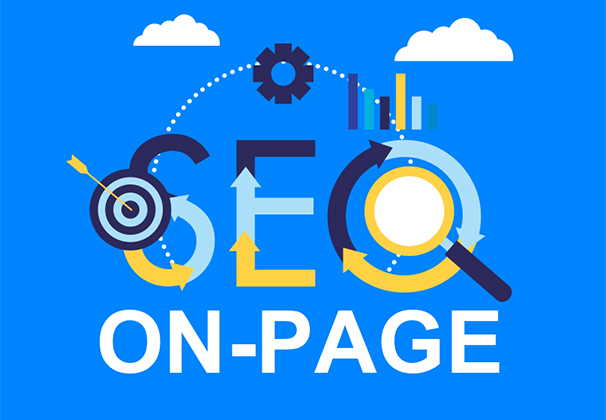
II. Why is onpage SEO important for your website?
Onpage SEO helps Google better understand your website’s content, allowing it to index your pages correctly and display them for relevant search queries. Without proper onpage optimization, even great content may struggle to appear in search results.
In addition, optimizing keywords, titles, page structure, and images properly can boost keyword rankings and improve visibility. It’s an essential step for achieving sustainable top positions in search engines.
Finally, onpage SEO also enhances user experience—with faster loading pages, mobile-friendly design, and clear navigation. A better experience keeps visitors on your site longer and increases conversion rates.
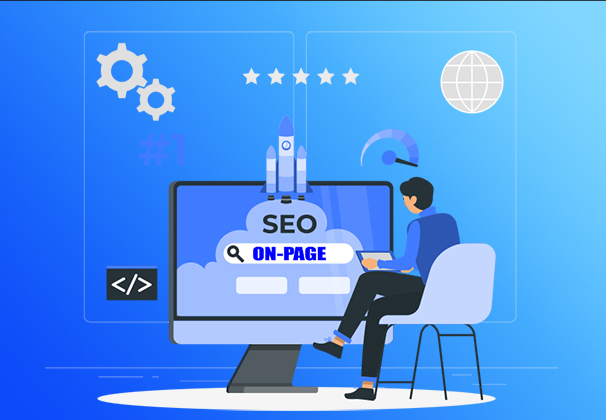
III. Key elements of onpage SEO optimization
Once you have a general idea of what onpage SEO is, let’s go over the main components you need to focus on to get it right.
1. Title Tag
The title is the headline you see when searching on Google. It’s one of the first things Google reads, so make sure it includes your target keyword, is concise, appealing, and stays under 60 characters.
2. Meta Description
Although it doesn’t directly affect your ranking, a good meta description helps readers decide whether to click on your page. Write one that includes your keyword and a gentle call to action.

3. Friendly URLs
A clear URL helps search engines quickly understand your page’s content. Likewise, users feel more confident clicking on a clean, keyword-related link.
For example: www.connecttech.vn/news/what-is-seo is far better than www.connecttech.vn/page?id=1234.
4. High-Quality Content (SEO-Friendly Content)
You can’t explain what onpage SEO is without mentioning content. SEO-friendly content not only includes keywords at the right density but also answers readers’ actual questions. It should be well-structured, easy to understand, properly segmented, and supported with subheadings.
Read more article: What is Content Marketing? A Beginner's Guide
5. Smart Keyword Usage
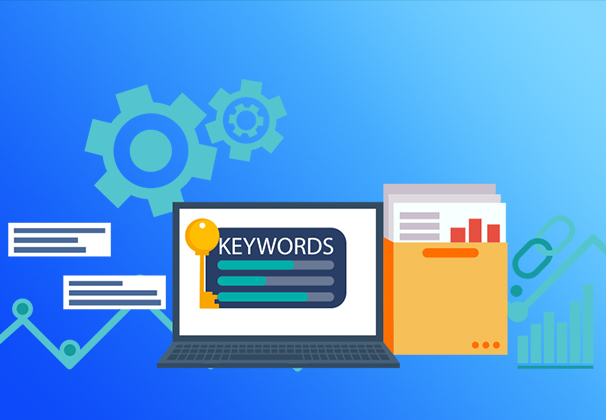
Place both main and secondary keywords naturally and evenly throughout your content. Avoid stuffing too many, as it can disrupt the flow and hurt your ranking.
6. Images and ALT Tags
Every image should have a descriptive file name and an ALT tag, which helps Google understand the content of the image. This is a small but impactful part of onpage SEO techniques.
7. Page Loading Speed
A slow-loading page drives users away quickly. Compress images, choose reliable hosting, and clean up unnecessary code to improve load times.
8. Mobile Responsiveness
Over 70% of users now browse the web on their phones. Google favors websites that are mobile-friendly, so make sure your content displays well across different screen sizes.

IV. How to optimize onpage SEO for beginners
You don’t need to be a developer or SEO expert to get started. Here are easy steps anyone can take to improve their website:
Step 1: Research the right keywords
Use free tools like Google Keyword Planner or Ubersuggest to find out what people are searching for that relates to your product or service.
Step 2: Write SEO-friendly content
Once you have your keywords, create content around them. But don’t write just for Google, write for real readers. Engaging content keeps users on your site longer and naturally boosts your SEO.
Step 3: Fine-tune every small detail
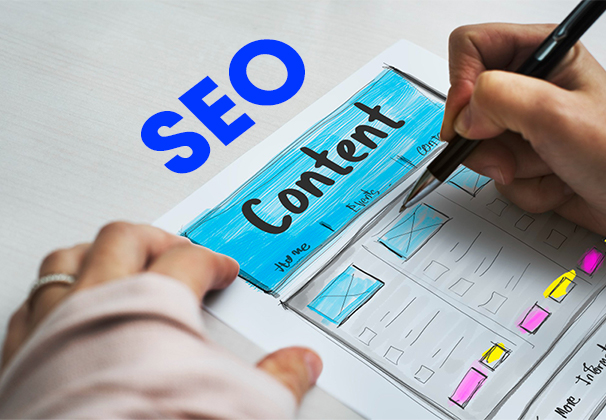
Double-check your title, meta description, URL, images, internal links, and keyword usage. This is the essence of onpage SEO optimization and it’s something anyone can do.
Step 4: Track your results
Use Google Search Console to monitor your progress. Based on the data, you can adjust your content, add new keywords, or improve technical aspects like speed.
V. Common mistakes when optimizing onpage SEO
Even after learning what onpage SEO is, many people still make simple mistakes that hold back their website’s performance:
- Keyword stuffing: Makes content hard to read and may lead to penalties.
- Missing subheadings (H2, H3): Creates cluttered content and confuses Google.
- Ignoring image optimization: Heavy files and missing ALT tags affect both speed and image SEO.
- Failing to update old content: Outdated pages lose relevance and rankings over time.
VI. Conclusion
By now, you hopefully no longer feel lost when someone asks, what is onpage SEO. It’s not just something for developers or SEO specialists to worry about. In fact, anyone with a website should understand and apply on-page SEO techniques right from the start.
With simple on-page optimization methods, you’ll begin to see your website improve day by day: ranking higher, attracting more visitors, and, most importantly, keeping customers around longer and building trust.
If you're looking for a team to help implement an end-to-end SEO strategy that truly works, reach out to Connect Tech. We don’t just do SEO, we help you build a strong digital foundation.
Table of Contents
Related news

What Is a Landing Page? Key Differences Between a Landing Page and a Website
What is a landing page? Learn how landing pages work, where they appear, and the key differences between landing pages and websites for marketing success fast!

Website Design Technology: Which Platform Should Your Business Choose?
Explore website design technologies, compare platforms, key criteria, common mistakes, and choose the right solution to scale your business effectively today.
What Are Website and Web App? Detailed Distinction and How to Choose the Right One
Learn the key differences between a Website and Web App. Compare their functions and goals to choose the right digital solution for your business strategy now.
Pros and Cons of CMS Software: Should Businesses Use It for Their Website?
Explore the pros and cons of CMS software for business websites and decide whether CMS or custom development fits your long term growth strategy best today.
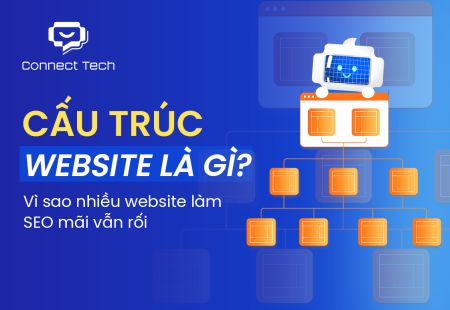
What Is Website Structure? Why So Many SEO Websites Stay Messy for Years
Learn what website structure is, why many SEO websites stay messy for years, and how to build a clear, scalable SEO-friendly structure that ranks and converts.
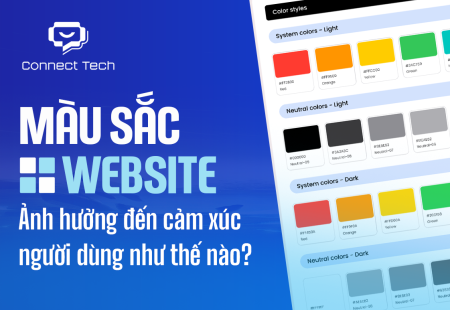
How Website Colors Influence User Emotions
How website colors shape user emotions, trust, and conversion. Learn common mistakes, color psychology, and how to choose colors that drive action growth now