
Loading Table of Contents...
Pros and Cons of CMS Software: Should Businesses Use It for Their Website?
Quick Summary
Collapse
Explore the pros and cons of CMS software for business websites and decide whether CMS or custom development fits your long term growth strategy best today.
When building a business website, the term CMS software almost always comes up in the discussion. The reason is simple. A CMS enables fast deployment, easy content management, and lower upfront costs. However, behind that convenience are trade-offs that are not always visible at the beginning.
The real question is not whether CMS software is good or bad. The real question is whether it aligns with your business model, growth strategy, and internal operational capacity. Some companies leverage CMS platforms very effectively to scale content and SEO. Others quickly hit technical ceilings when their systems become more complex, require deeper integrations, or demand high-level performance optimization.
This article clarifies what CMS software actually is, analyzes its advantages and disadvantages from a practical operational perspective, and outlines when it makes strategic sense to use it and when it does not. The goal is to help businesses make long-term strategic decisions rather than short-term convenience-driven choices.
I. What Is CMS Software?
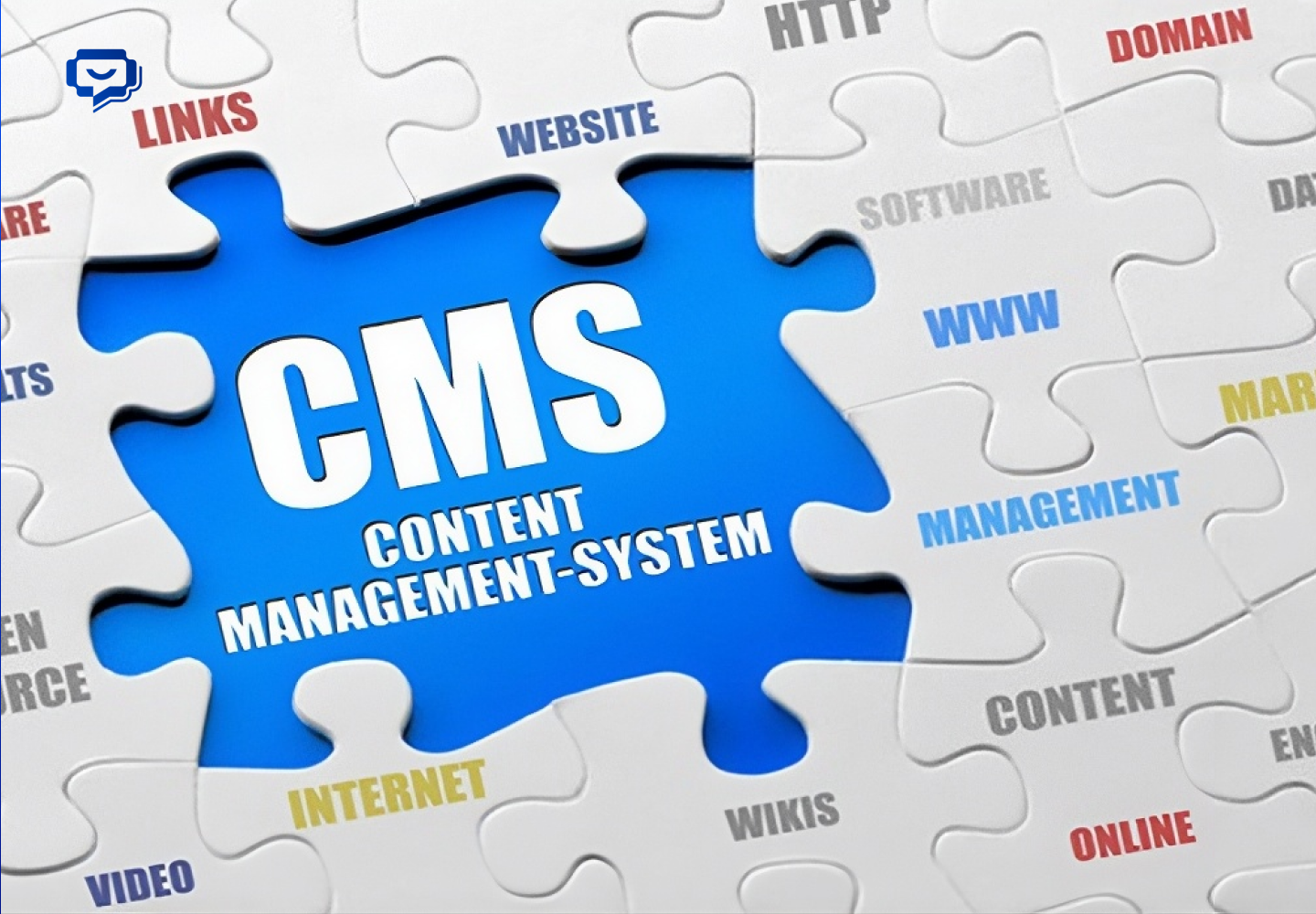
CMS software, short for Content Management System, is a platform that allows you to manage website content without writing code every time you publish or edit something. In simple terms, you write content, choose images, click publish, and it goes live instantly.
A practical way to understand it is this: if your website normally requires a developer every time you want to change a banner or add a new page, CMS software allows you to handle those tasks yourself through a visual interface similar to using a word processor.
At its core, CMS software separates two main components:
- Frontend: what users see when they visit your website
- Backend: the administrative interface where you manage content
When you log into the admin panel to add a new product or update a service description, the CMS automatically reflects those changes on the website without altering the core codebase.
Some of the most widely used CMS platforms today include WordPress, Joomla, Drupal, as well as eCommerce platforms like Shopify and WooCommerce. Each serves different purposes, ranging from personal blogs to large-scale enterprise websites with thousands of pages.
The important question is not what CMS software is. The important question is whether it fits your business. The next section examines the real-world pros and cons based on practical project experience.
II. Advantages of CMS Software
Let’s be direct. CMS software did not become popular because it sounds appealing. It became popular because it solves real operational problems in running a business website. Below are the key advantages from a business perspective.
1. Fast deployment and shorter time to market

With CMS software, companies do not need to build everything from scratch. The interface system, article structure, and page management are already standardized. This significantly reduces development time.
In a highly competitive environment, launching earlier means validating the market earlier. That is a strategic advantage, especially for businesses testing new products or expanding marketing channels.
2. Easy content management without heavy technical dependence
One of the clearest strengths of CMS software is content autonomy. Marketing teams can:
- Publish blog posts
- Update landing pages
- Change banners and images
- Optimize basic SEO elements
All without waiting for technical teams to intervene. This increases campaign speed and reduces long-term operational costs.
3. Strong SEO support

CMS software, particularly platforms like WordPress, is built with search engine friendly structures. Optimizing URLs, meta titles, meta descriptions, and sitemaps is relatively straightforward.
For businesses focused on content marketing and inbound SEO, this is a clear advantage. CMS platforms standardize the publishing process and reduce the risk of basic technical SEO errors.
4. Rich plugin ecosystem and feature extensibility
A major advantage of CMS software is its extension ecosystem. From email marketing integration and chatbots to CRM connections and analytics tracking, most needs can be addressed through existing plugins or modules.
This allows businesses to experiment with various tools quickly without building custom solutions from scratch. That flexibility is especially valuable during growth phases.
5. Reasonable initial cost

Compared to fully custom development, CMS software usually requires lower initial investment. Not every business needs a complex system from day one.
For SMEs or companies validating their market position, CMS offers a practical balance between speed, cost, and basic scalability.
However, clarity is important. CMS software is optimized for flexibility and rapid deployment. It is not inherently optimized for high-performance architectures or highly complex, custom-built systems. Understanding these strengths helps businesses leverage CMS at the right stage rather than expecting it to play a role it was never designed for.
III. Disadvantages of CMS Software
If you only consider speed and upfront cost, CMS software can seem almost perfect. But as a website begins to carry greater weight within a business system, the limitations become more visible. Below are the drawbacks that require honest evaluation.
1. Limited deep customization
CMS software is designed for mass adoption. That means its architecture is predefined. When a business requires:
- Complex product logic
- Customized ordering workflows
- Deep integration with ERP or internal systems
The CMS can become bloated or require modifications beyond its intended design. At that point, customization costs are no longer minimal.
2. Performance degradation at scale

A less discussed reality is that CMS software relies heavily on plugins and extensions. As more features are added, the number of plugins grows. This can lead to:
- Slower page load speeds
- Plugin conflicts
- Difficulty achieving high-level performance optimization
For websites with heavy traffic or complex data processing requirements, CMS can become a bottleneck.
3. Security risks
Because CMS software is widely used, it is also a common target for attacks. Especially on platforms like WordPress, failing to update regularly or using poorly managed plugins can create security vulnerabilities.
Businesses cannot treat a CMS as a set-it-and-forget-it solution. Version updates, plugin audits, and security configurations are mandatory.
4. Dependency on predefined structures
CMS platforms often come with predefined themes and layout structures. When deeper UI changes or strategic user experience optimization is required, technical teams must intervene significantly.
If the website is a core brand asset that demands strong differentiation in experience, CMS may not always be the optimal solution.
5. Hidden long-term costs

Initially, CMS software appears cost effective. Over time, businesses may face:
- Paid plugin subscriptions
- Ongoing maintenance costs
- Bug fixing expenses
- Re-optimization costs as the system scales
The total cost of ownership can increase substantially without a clear long-term strategy.
The issue is not that CMS software is ineffective. The issue is that many businesses expect it to solve problems it was never designed to address. When these limitations are understood upfront, the decision to adopt CMS becomes more realistic and far less risky in the long run.
IV. When Should You Use CMS Software?
The real question is not whether CMS software is good or bad. The right question is: in what context is a CMS a strategically sound choice?
Below are situations where using CMS software makes practical business sense.
1. When the website primarily serves marketing and content

If the main objectives of the website are:
- Brand building
- Running an SEO blog
- Creating campaign landing pages
- Generating leads
Then CMS software is often more than sufficient. It allows marketing teams to publish content, optimize SEO, and test messaging without heavy technical dependency.
During a growth phase driven by content and inbound strategy, CMS provides enough flexibility and efficiency to support momentum.
2. When speed to market is critical for validation
If the business is testing a product, entering a new category, or building a digital channel from scratch, speed becomes critical. CMS software shortens deployment time, reduces initial costs, and allows continuous iteration based on market feedback.
At the validation stage, building a perfectly optimized architecture is not the priority. Proving demand and validating the business model matter more.
3. When internal technical resources are limited
Not every company has a strong in-house technical team capable of building and maintaining a fully custom system. In such cases, CMS software reduces operational complexity.
Content updates, basic interface adjustments, and marketing tool integrations can be handled relatively easily with proper management processes in place.
4. When the business model is not overly complex

If the website mainly requires:
- Service introduction pages
- A knowledge-sharing blog
- A contact page
- A few campaign landing pages
Then CMS software is entirely appropriate. There is no need to build a heavy system when the real operational demand does not justify it.
5. When the strategy focuses on optimizing early-stage costs
In many cases, investing in a fully custom system from the beginning is unnecessary. CMS software allows businesses to allocate more resources toward marketing, product development, and sales.
This strategy works well when the company clearly understands that once a certain growth threshold is reached, the system can be upgraded or restructured.
V. When Should You Not Use CMS Software?
Let’s be clear. CMS software is not the default solution for every business website. In certain contexts, choosing a CMS from the start can create long-term costs in both money and operational efficiency.
Here are situations that require serious reconsideration before adopting CMS software.
1. When the website is the core technology product

If the website is not just a marketing channel but:
- A SaaS platform
- A complex service booking system
- An application with heavy data processing logic
- A digital product requiring real-time functionality or advanced personalization
Then CMS software is typically not designed for that purpose. Forcing a CMS to handle complex product logic often results in messy architecture and limited control.
In such cases, building a custom system from the outset is usually more sustainable in the long term.
2. When performance and security requirements are high
If the business operates in finance, large-scale education, or handles sensitive data, performance and security standards will be strict.
Popular CMS software often relies on open-source components and plugins. This increases the attack surface if not tightly managed. When security is a top priority, a purpose-built architecture with tighter control is generally safer.
3. When deep integration with multiple internal systems is required
If the website must continuously synchronize data with:
- ERP systems
- Highly customized internal CRM
- Complex inventory management systems
- Dedicated data warehouses
CMS software can become a bottleneck. Plugin-based integrations usually solve only basic needs. As data volume and processing logic grow, patching and optimizing become far more expensive than designing the right architecture from the beginning.
4. When brand positioning requires highly differentiated experiences

Some businesses treat their website as a strategic brand asset. They require unique user experiences, dynamic interactions, and non-traditional content structures.
CMS software, with predefined themes and templates, can limit creative freedom. Deep customization often results in heavier systems that are harder to maintain.
5. When long-term vision and large-scale growth are already defined
If a company has a clear three to five year roadmap involving high traffic, complex features, and intensive data requirements, choosing CMS software solely because of lower initial cost can be a short-term decision.
System migration later is usually far more expensive than investing in the right architecture from the start.
VI. Conclusion: Should You Use CMS Software?
In summary, CMS software is neither universally right nor something to dismiss outright. It works well when the priority is rapid deployment, content optimization, and cost control in the early stages. However, when the website becomes a core platform for products, data, and operations, CMS may no longer be the optimal architecture.
The common mistake is not choosing CMS software. The mistake is choosing without thinking long term. A business website is not just an online presence. It is a digital asset, a growth infrastructure, a brand touchpoint, and a sales support system.
At Connect Tech, we do not automatically recommend CMS or fully custom code. We analyze the business model first, then propose the architecture that aligns with long-term strategy. Some projects leverage CMS to accelerate time to market. Others require fully custom development to ensure performance, security, and scalability.
If you want a website that is not only visually appealing but also operationally strong and ready for sustainable growth, speak directly with Connect Tech. The technical team will help you see the full picture and choose the right foundation from the start.
Related Article:

Table of Contents



































