Loading Table of Contents...
Does Your Website Need CRM Integration? A Complete Guide
Quick Summary
Collapse
Does your website need CRM integration? Connect Tech explains the benefits, the right time to integrate CRM, and the best implementation approach to help businesses improve customer management and sales performance.
Many businesses ask, "Does my website need CRM integration?" when looking to improve customer management and streamline business operations. In this guide, Connect Tech explains what CRM integration is, its key benefits, when your business should implement it, and how to integrate it effectively before making an investment.
What Is CRM Integration for a Website?
Customer Relationship Management (CRM) is a system that enables businesses to store, monitor, and analyze customer information within a centralized platform. When a CRM is integrated with your website, customer data generated from contact forms, live chats, inquiries, and online orders is automatically synchronized with the CRM, eliminating manual data entry.
What Is Customer Relationship Management (CRM)?
A CRM platform consolidates customer information—including contact details, purchase history, and browsing behavior—into a single database. This allows businesses to segment customers, personalize communication, and improve customer relationship management.
How CRM Integration Works with a Website
CRM integration is typically achieved through APIs or dedicated plugins. Whenever visitors submit a contact form, start a live chat, or place an order, the information is transferred to the CRM in real time, enabling sales teams to respond quickly and efficiently.
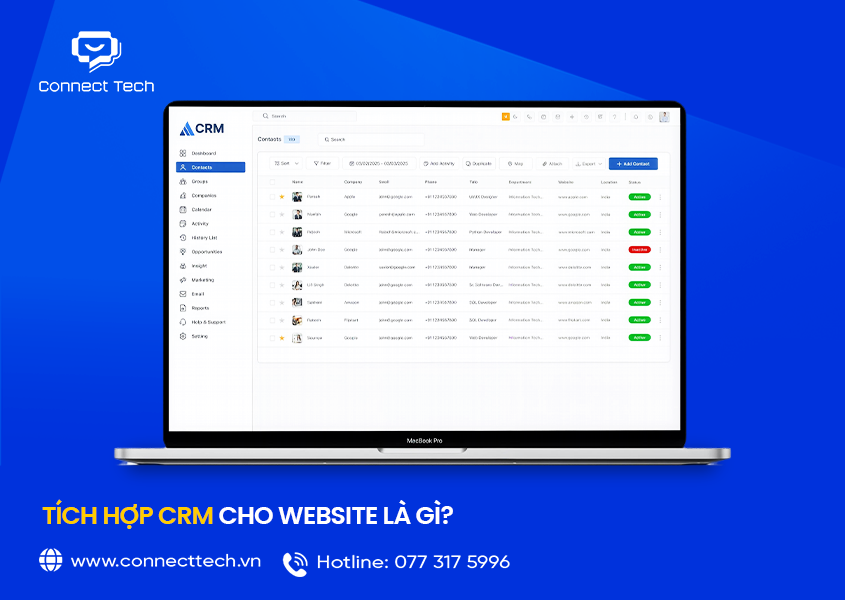
What Is CRM Integration for a Website
Why Should Businesses Integrate CRM with Their Website?
Many businesses still rely on spreadsheets or manual records to manage customer information. This often leads to fragmented data, duplicate records, and missed opportunities. CRM integration addresses these challenges by centralizing customer information and automating customer management workflows.
Centralized Customer Data Management
All customer information collected through your website is stored in a unified system, reducing duplicate records and preventing data loss when employees leave or management tools are replaced.
Increase Lead Conversion Rates
CRM enables businesses to categorize leads based on their level of interest and engagement. This helps sales teams prioritize high-potential prospects, shorten the sales cycle, and improve conversion rates.
Improve Post-Sales Customer Care
A CRM records every customer interaction, making it easier to send follow-up messages, promotions, and personalized offers at the right time while maintaining long-term customer relationships.
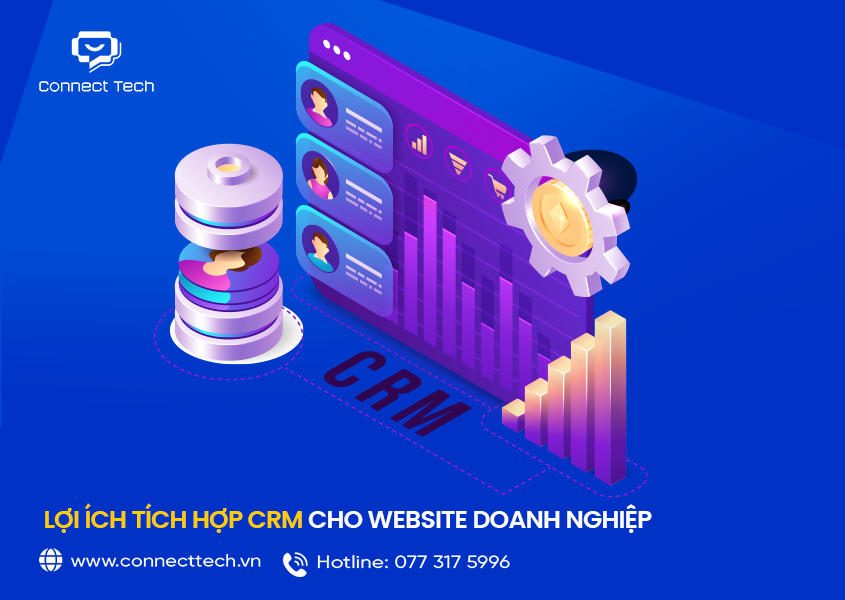
Benefits of CRM Integration for Business Websites
Does Your Website Really Need CRM Integration?
The answer depends on your business size and customer management requirements. Not every website requires CRM integration from day one.
When Should You Integrate CRM?
CRM integration is recommended if your business:
- Receives customer inquiries regularly through the website.
- Has a sales team of three or more members.
- Requires periodic customer reports and sales tracking.
- Wants to automate lead management and customer follow-up.
When CRM Integration Can Wait
If your website is newly launched and receives limited traffic or inquiries, manual customer management may be sufficient initially. CRM integration can be implemented later as customer data and business operations grow.
Best Practices for Integrating CRM with Your Website
Successful CRM integration requires careful planning rather than simply installing CRM software without considering your existing website infrastructure.
Step 1 – Choose the Right CRM Platform
Select a CRM solution that matches your business size, budget, and operational needs. Prioritize platforms that provide flexible API connectivity for seamless website integration.
Step 2 – Connect Your Website and CRM via API
Your development team should configure API connections so that data from website forms, live chats, and online orders flows automatically into the CRM without manual input.
Step 3 – Train Your Team
Once the integration is complete, train your sales and customer service teams to use the CRM effectively so they can maximize customer insights and improve operational efficiency.
Choose a Reliable Website Development Company for CRM Integration
CRM integration should ideally be planned during the website development process to ensure long-term stability, scalability, and reliable data synchronization. Connect Tech provides professional website development services with customized CRM integration tailored to each business's customer management requirements.
Before recommending a CRM solution, Connect Tech's technical team carefully analyzes your business processes to ensure the integration aligns with your workflows. This approach helps reduce operating costs, improve efficiency, and accelerate implementation while maintaining data security and future scalability.
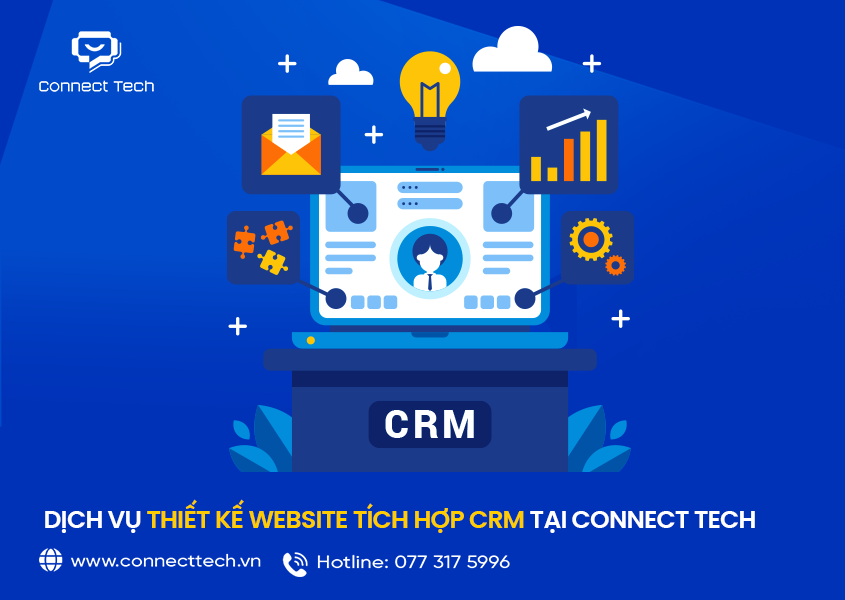
CRM-Integrated Website Development Services at Connect Tech
Conclusion
Whether your website needs CRM integration depends on your business size and customer data management requirements. However, as your business grows, integrating a CRM becomes a valuable investment that enhances customer relationships, streamlines operations, and improves sales performance.
If you're considering CRM integration for your website, Connect Tech is ready to evaluate your requirements and recommend the most suitable solution for your business.
Related Articles
What's the Difference Between a Rental Website and an Owned Website?
Does a Website Need a Redesign After 6 Months?
The Risks of Not Owning Your Website Source Code: What Every Business Should Know
Table of Contents