Loading Table of Contents...
What Is an SEO-Friendly Website? A Simple Checklist for Non-Experts
Already have a website but unsure if it’s SEO-friendly? Let Connect Tech walk you through an A-to-Z checklist to help your site show up on Google and attract the right audience.
You might already have a business website but still wonder, “Why can’t people find me on Google?” The answer could be simple. Your site might not be SEO-ready yet. In other words, it hasn’t been optimized for search engines to understand, rank, and recommend it to users.
A website SEO checklist is like a digital cheat sheet, designed to help your business show up online, not just exist. The good news is you don’t need to be a tech expert to understand it. This guide will help you evaluate your website step by step with practical, easy-to-understand actions that Connect Tech has used successfully with hundreds of clients.
I. Why is an SEO-friendly website important?
Think of Google as a massive library and your website as a newly published book. If the title is unclear, the layout is messy, or the content is confusing, the librarian (Google) won’t know where to place it. And if your book isn’t shelved properly, readers won’t find it, no matter how great the content is.
That’s why having a website SEO checklist is essential. It ensures Google understands what your site is about and recommends it to the right users. It is also a cost-effective way to attract customers without relying solely on paid ads.
II. Website SEO Checklist: 10 core elements for a strong foundation
Here are the key areas every site should cover to meet today’s SEO standards. Each point comes with a simple explanation and a practical suggestion.
1. Clear and well-organized structure
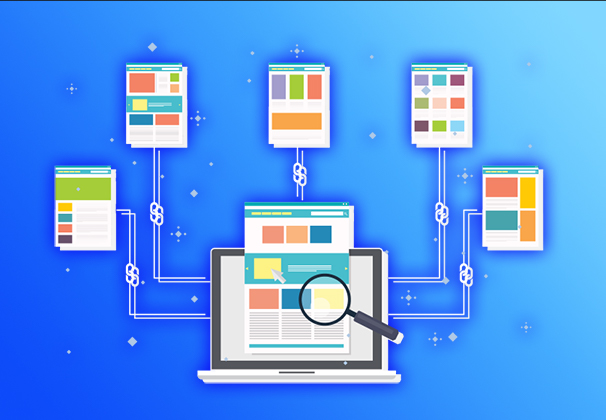
Just like a tidy store layout makes it easier for customers to browse, your website should follow a logical structure, including a homepage, categories, and subpages. This makes navigation intuitive for users and helps search engines understand your content. A website SEO checklist always begins with user-friendly site architecture.
2. Clean and readable URLs
Your page links (URLs) matter. A URL like domain.com/services/web-design is much easier to understand than domain.com/page?id=12345. Make sure your URLs are descriptive, free of special characters, and include relevant keywords where possible.
3. Mobile-friendly interface
Today, over 70 percent of users visit websites on their phones. If your site looks broken or hard to navigate on mobile, you're likely losing traffic. A website SEO checklist includes responsive design. Your website should automatically adjust to fit all screen sizes.
4. Load speed under 3 seconds
Slow-loading pages frustrate users and negatively impact your rankings. Speed optimization is essential. Compress images, remove unnecessary code, and consider better hosting. Use tools like Google PageSpeed to check your load times and follow improvement suggestions.
5. Unique title tags and meta descriptions
Each page on your site should have its own meta title and meta description. These are the snippets people see on Google. If written well, they increase your click-through rate even if you're not ranked first. Make sure to include your keywords naturally in both.
6. Optimized images with clear ALT text
Search engines can’t see images. They read descriptions. Add ALT text to every image so Google knows what’s being shown. Use meaningful filenames instead of something like IMG_1234.jpg, and always compress images to improve speed.
7. Implement schema markup
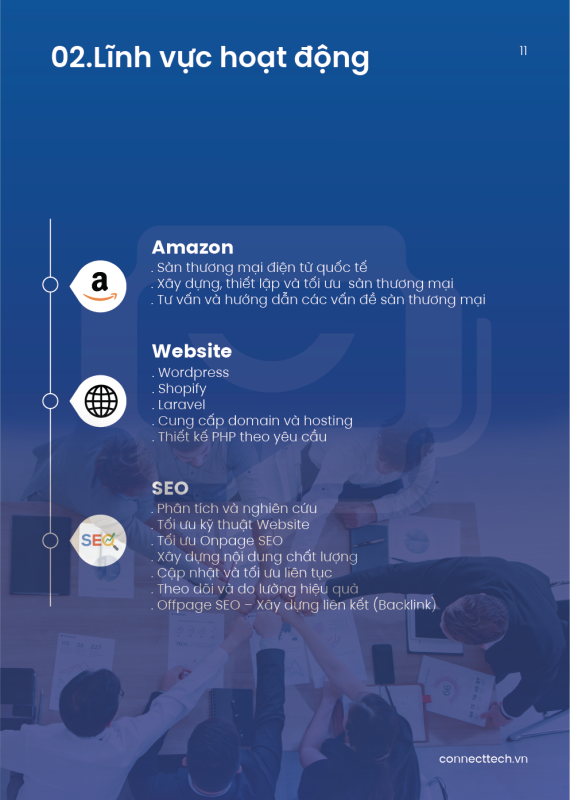
You may have seen Google results showing star ratings, product prices, or author photos. This is made possible through schema markup. It is a bit of code that tells search engines what kind of content a page contains. On platforms like WordPress, plugins make this easy.
8. Add sitemap and robots.txt files
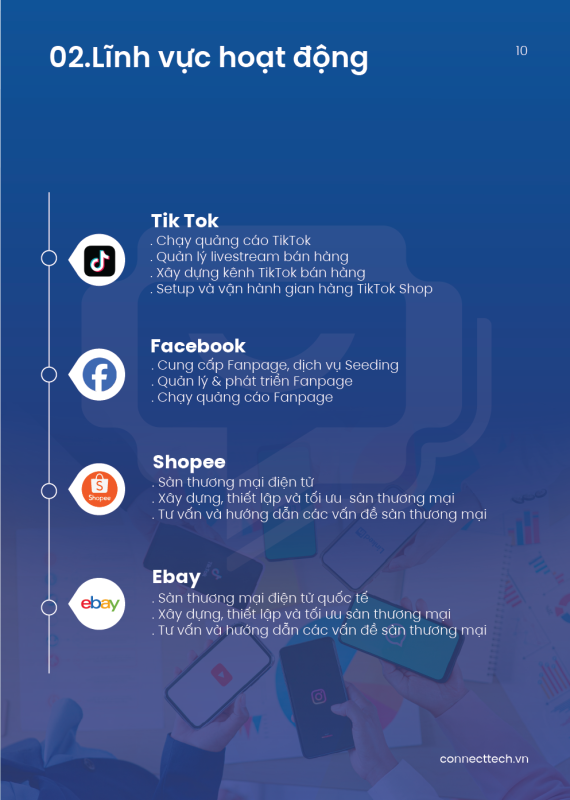
These two small files guide search engines when crawling your site. The sitemap lists all your site’s pages, while robots.txt tells Google which pages to ignore. Together, they help ensure your site is indexed properly and shows up in relevant searches.
9. Use Google Search Console and Analytics
Without tracking, there’s no way to improve. Google Analytics shows who visits your site, how long they stay, and where they come from. Google Search Console reveals keyword performance and indexing issues. A website SEO checklist is not complete without both tools in place.
10. Consistently updated and valuable content
Even with the best structure and design, a website will fall behind if its content is outdated or thin. Google rewards sites that provide fresh, useful information. Start a blog, update product pages, or publish insights relevant to your audience regularly.
III. Where to start if you’re new to SEO?
Don’t stress if this feels overwhelming. You don’t need to do everything at once. Start with the easy wins like rewriting titles, checking your load time, or updating your content. Once you gain confidence, you can explore schema, sitemap, or deeper analytics.
At Connect Tech, we walk clients through this process from the basics to more advanced steps. Many small businesses saw a noticeable increase in traffic within a few months by applying this website SEO checklist consistently.

IV. Final thoughts
Your website can either be just another online presence or a powerful channel that attracts and converts customers. The difference lies in how well it’s optimized.
A website SEO checklist is not something only big brands need. It is an essential tool for every business owner who wants long-term and sustainable growth online. If you're not sure whether your site meets the standard, Connect Tech can help with a free audit and tailored improvement plan.
📌 Not sure if your site is SEO-ready?
👉 Get a free SEO checkup at: connecttech.vn
📞 Fast support hotline: 0773.175.99
Table of Contents
Related news

What Is a Landing Page? Key Differences Between a Landing Page and a Website
What is a landing page? Learn how landing pages work, where they appear, and the key differences between landing pages and websites for marketing success fast!

Website Design Technology: Which Platform Should Your Business Choose?
Explore website design technologies, compare platforms, key criteria, common mistakes, and choose the right solution to scale your business effectively today.

What Are Website and Web App? Detailed Distinction and How to Choose the Right One
Learn the key differences between a Website and Web App. Compare their functions and goals to choose the right digital solution for your business strategy now.
Pros and Cons of CMS Software: Should Businesses Use It for Their Website?
Explore the pros and cons of CMS software for business websites and decide whether CMS or custom development fits your long term growth strategy best today.
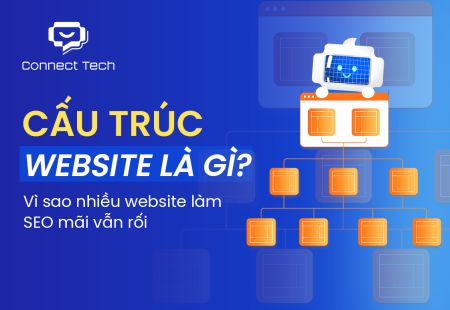
What Is Website Structure? Why So Many SEO Websites Stay Messy for Years
Learn what website structure is, why many SEO websites stay messy for years, and how to build a clear, scalable SEO-friendly structure that ranks and converts.
How Website Colors Influence User Emotions
How website colors shape user emotions, trust, and conversion. Learn common mistakes, color psychology, and how to choose colors that drive action growth now