
Loading Table of Contents...
What are Remarketing Ads? A Guide to Running Remarketing Campaigns Effectively
Quick Summary
Collapse
Remarketing Ads help businesses effectively reconnect with interested customers, reignite shopping intent, boost conversions, and optimize advertising costs.
Have you ever wondered why, after viewing a product online, like your favorite shirt or a pair of shoes, you suddenly start seeing ads for that exact item everywhere on Facebook, YouTube, or news sites?
That’s no coincidence. It’s called Remarketing Ads, a smart advertising strategy that allows brands to reappear at just the right moment, when you’re still interested.
So, what are Remarketing Ads, why are they important, and how can you run an effective Remarketing campaign to turn those who once left into loyal customers? Let’s explore in the article below.
I. What Are Remarketing Ads?
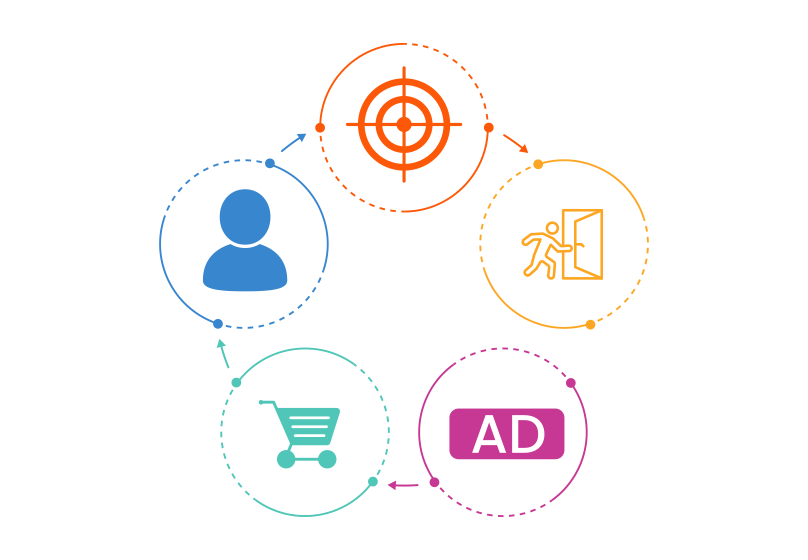
Remarketing Ads are a form of advertising that helps businesses reconnect with people who have previously interacted with their brand, for example, those who have visited a website, viewed products, or added items to their cart but didn’t complete the purchase.
Instead of focusing on finding new customers, remarketing aims to remind and persuade existing potential customers to return and make a purchase decision. Remarketing Ads are also an essential part of Google Ads, enabling businesses to display targeted ads to the right audience based on their past behaviors.
For example: You once visited an e-commerce website to look at a pair of shoes but left without completing the purchase. A little later, as you scroll through Facebook, watch YouTube, or read the news, that same pair of shoes appears again in a banner ad that’s Remarketing Ads in action.
Thanks to this strategy, businesses can show products at the exact moment when you’re still interested, increasing the likelihood of conversion.
II. Common Types of Remarketing
1. Standard Remarketing
This is the most basic form, where ads are shown to people who have previously visited your website but haven’t completed the desired action (such as making a purchase, filling out a form, or registering).
Example: A customer visits the “Living Room Sofa” section on a furniture website, and later, they see ads for similar sofas while browsing online news sites.
2. Dynamic Remarketing
Dynamic Remarketing personalizes the ad experience by showing the exact products or services that the user previously viewed.
Example: You visit the product page for “Asus Vivobook Laptop.” Later, you see an ad displaying that same laptop model, along with its price, offers, or the image you viewed earlier.
This form of remarketing is the most effective for e-commerce businesses because it helps users easily recall the product and return to complete their purchase.
3. Email Remarketing
Instead of using display ads, Email Remarketing reconnects with users through their inbox. Businesses send reminder emails to customers who added products to their carts but left without purchasing, or who viewed products but didn’t buy.
Example: An email titled “Your favorite items are still waiting in your cart!” with a button like “Complete your order now” encourages users to return and increases conversion rates.
4. Video Remarketing
This form targets people who have previously watched, interacted with, or skipped your ads on YouTube. You can show your video ads or product banners again within other videos they watch later. It’s an effective way to maintain brand awareness and keep your business top-of-mind in a video entertainment environment.
5. App Remarketing
App Remarketing targets users who have installed or used your mobile app but stopped engaging with it.
Example: Sending push notifications or showing promotional ads to encourage them to return, place an order, or play a game again.
This type of remarketing is especially effective for e-commerce, food delivery, or mobile gaming apps.
Read more: What Are Video Ads? Tips for Creating Engaging and Effective Video Advertising
III. How to Run an Effective Remarketing Campaign
Step 1: Define Your Campaign Goals
Before getting started, clearly identify what you want to achieve — whether it’s increasing sales, collecting sign-ups, driving app downloads, or boosting brand awareness.
The more specific your goal is, the easier it will be to choose the right type of remarketing, ad format, and key performance indicators (KPIs) to track.
Step 2: Set Up Tracking Pixels or Tags
This is the technical foundation of remarketing. You need to install tracking codes (remarketing tags or pixels) on your website, app, or landing page so the system can record user behaviors, such as which pages they visit, how long they stay, and which products they add to their cart. This data helps you build accurate audience segments for future campaigns.
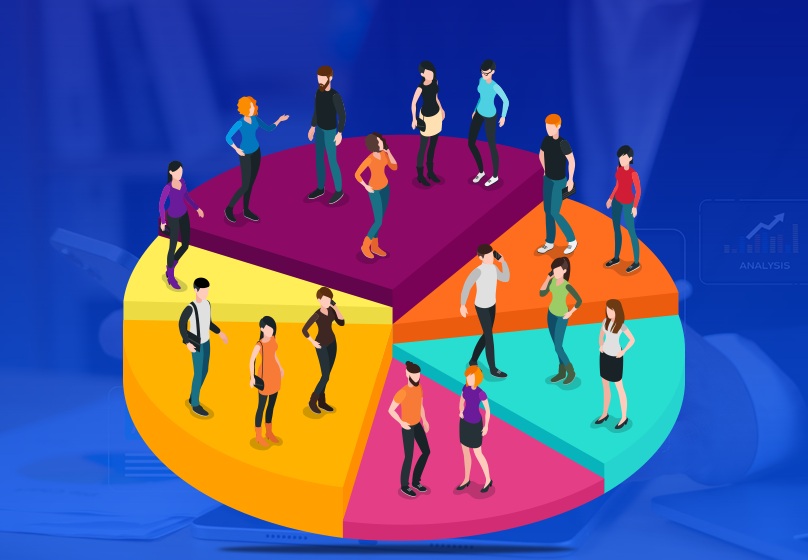
Step 3: Segment Your Target Audiences
Not every visitor is at the same stage of the buying journey.
You should divide your audience into specific groups, such as:
- Users who only viewed the homepage or product categories.
- Users who viewed product details but didn’t purchase.
- Users who added items to their carts but left without checking out.
- Existing customers who can be targeted with cross-selling remarketing for related products.
Step 4: Design Engaging Ads with a Clear CTA
A good Remarketing Ad should have concise content, eye-catching visuals, and a strong call-to-action (CTA) such as:
“Complete your order today – get 10% off” or “Your favorite item is almost sold out!”
Don’t forget to keep your brand elements consistent, including colors, logos, and messaging so users can easily recognize your brand the moment they see your ad.
Step 5: Set a Reasonable Ad Frequency
Remarketing works best when your ads appear at the right time not all the time.
If the frequency is too high, users may find the ads annoying. Therefore, set a frequency cap at a reasonable level depending on your sales cycle and user behavior (typically 3–5 times per day is appropriate).
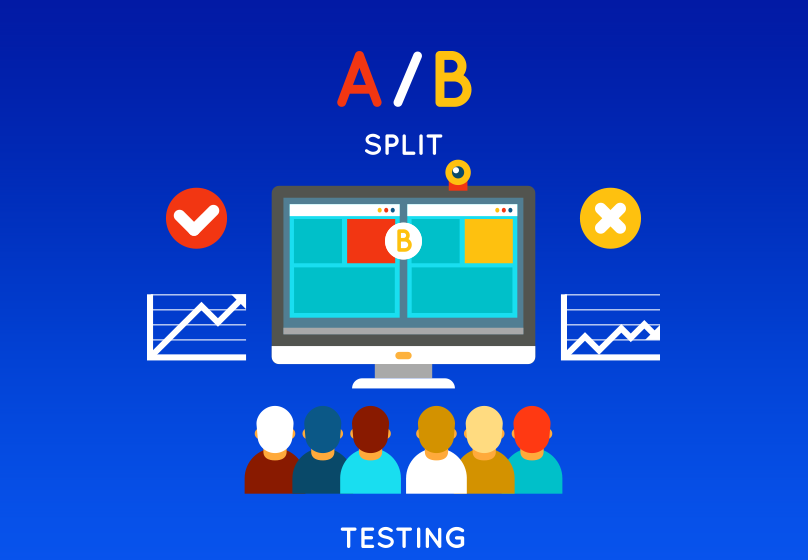
Step 6: Monitor, A/B Test, and Continuously Optimize
Once your campaign is live, analyze performance data such as CTR, CPC, CPA, ROAS, and conversion rate to evaluate results.
Conduct A/B testing with different ad variations headlines, visuals, CTAs, audiences, or frequency to discover which combination delivers the best outcome. Remarketing is a continuous process of testing and optimization, not a one-time effort.
IV. Benefits of Using Remarketing Ads
Remarketing not only helps businesses “remind” customers about their products or services but is also an effective strategy to maximize conversions at minimal cost.
Here are the key benefits that Remarketing Ads bring:
- Reach high-quality potential customers: Target users who have already shown interest in your products or services.
- Increase conversion rates and revenue: Remind customers to return and complete their purchases.
- Optimize advertising costs: Cost per acquisition (CPA) is often lower than when targeting new audiences.
- Build long-term brand awareness: Keep your brand visible and familiar through consistent exposure.
- Stay top of mind: Ensure your brand remains the first that comes to mind when customers are ready to buy.
V. Common Mistakes When Running Remarketing Ads
Although Remarketing Ads can deliver impressive results, many businesses still waste budget and fail to achieve their goals due to the following common mistakes:
- Showing ads too frequently → causing annoyance: Ads that appear too often can make users feel like they’re being “followed,” leading to irritation and reduced effectiveness.
- Not segmenting audiences clearly: Each group of customers has different behaviors and levels of interest. Without proper segmentation, your message will be less relevant and less persuasive.

- Using the same message for all audiences: Sending the same ad to every user makes the campaign feel impersonal and significantly lowers conversion potential.
- Not setting a display duration limit: Running remarketing ads for too long, especially for users who have already purchased or lost interest, wastes budget and can even backfire by creating a negative impression.
- Ignoring creative optimization (banners, CTAs, visuals, etc.): Outdated images, weak calls-to-action, or dull designs make your ads easy to scroll past without leaving any impact.
VI. Conclusion
Remarketing Ads are not just a tool for reconnecting with customers, they are a powerful strategy that helps businesses drive conversions and increase sales. By reaching the right people, at the right time, with the right message, remarketing turns fleeting website visits into real purchasing actions.
If you’re looking for a trusted partner to help you run an effective Remarketing Ads campaign, Connect Tech is the perfect choice. Contact us today to launch a professional Remarketing Ads campaign that ensures your brand appears at the right moment to the right audience with the right intent.

Table of Contents



































