Loading Table of Contents...
Website Design for Businesses: Interface, CMS, and Operational Technology
Website design for businesses explained: UI, structure, CMS, technology, SEO, speed, long-term sustainability to help your website attract customers and scale.
There was a time when website design was commonly understood as making a site look good. Using the right brand colors, a clean layout, and a professional appearance was often considered enough. Many websites launched with decent interfaces and even received positive feedback. Yet after a few months, they failed to bring in additional customers, support sales activities, or help marketing teams operate more effectively.
In reality, a website is no longer just an online business card for display. A website that creates real business value is the result of a combination of visual design, content structure, content management systems, and the underlying operational technology. When even one of these elements is implemented incorrectly, the website quickly turns into a maintenance burden instead of a tool that drives conversions.
This article approaches website design for businesses from a practical perspective, shaped by real-world experience, including mistakes that had to be corrected later. It looks at color, interface design, user experience, CMS, technology, performance, SEO, and long-term operability. Rather than focusing on abstract theory, the emphasis is on the factors that truly determine whether a website can support real business goals.
I. Color and Interface in Website Design
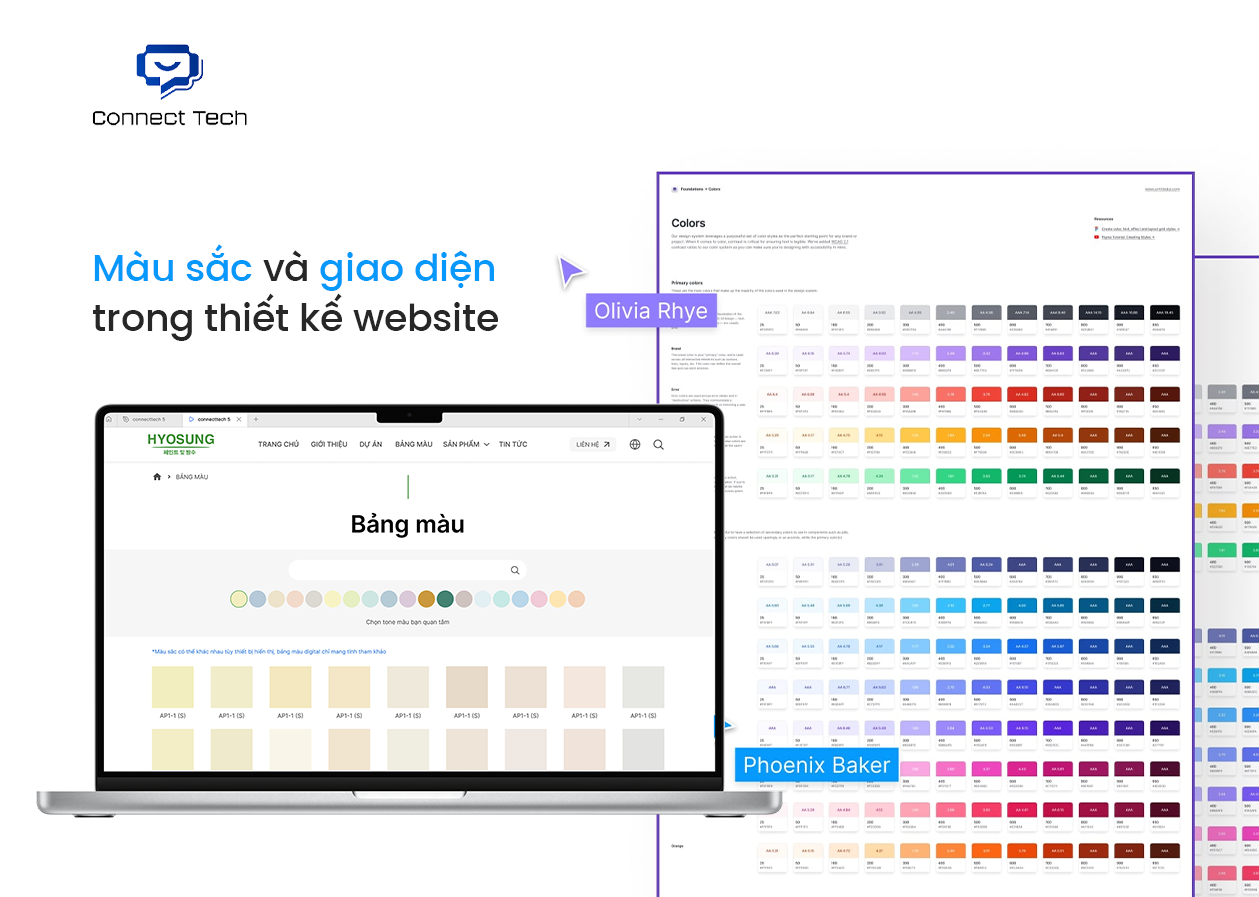
During the website design process, businesses are often most concerned with whether the website looks professional, fits their industry, and does not become outdated too quickly. The problem is that a professional impression does not come from attractive colors or complex visuals alone. It comes from how well the design aligns with the industry context and actual user behavior.
Many websites are not visually poor, yet they still feel outdated or untrustworthy. The reason often lies in choosing colors and interface styles based on personal preference, short-term trends, or subjective taste, rather than long-term usage goals.
1. Interface Design Is Not Just for Looks, but for Guidance
The interface in website design is not only about visual appeal. Its main role is to help users quickly understand the website and know what to do next.
A well-designed interface usually has a clear layout that is easy to scan, content areas with clear priorities, and primary actions that are consistently highlighted. When these elements are missing, even a visually attractive website can become confusing.
Websites that look good but are difficult to use often cause visitors to leave quickly. In contrast, websites that are easy to use keep users engaged longer and improve conversion rates, even when the visual design itself is relatively simple.
2. How Color in Website Design Affects User Emotions
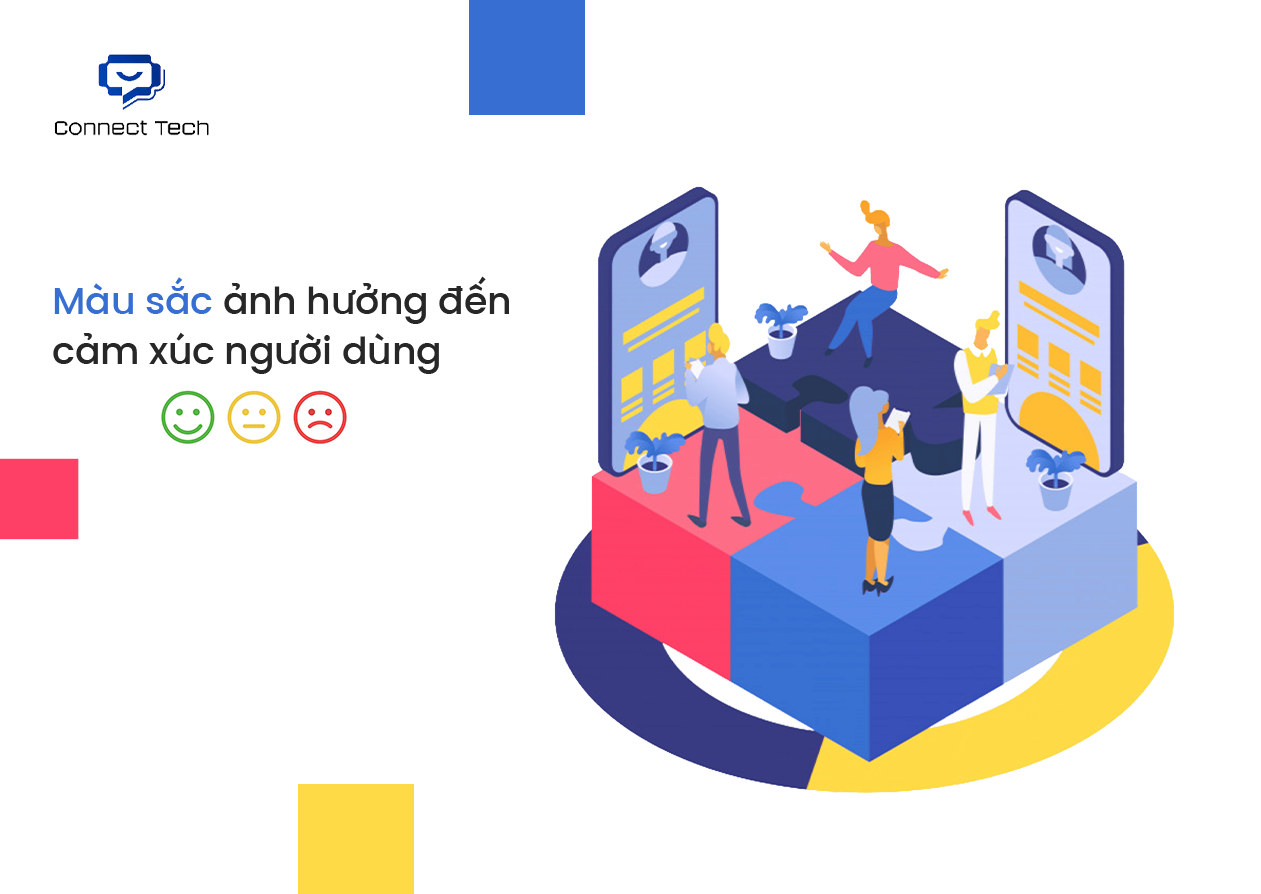
Color is the fastest element to influence user emotions when someone first visits a website. In website design, color is not only about brand recognition. It also shapes the initial psychological response.
- Muted colors with low contrast often convey a sense of stability and trust.
- Bright colors with high contrast tend to create a feeling of energy and encourage action.
- Using too many colors, or combining them without control, easily leads to visual clutter and eye strain.
A website can strictly follow brand colors and still feel uncomfortable to use, especially on mobile devices. This is why color decisions need to be evaluated from a user experience perspective, not just an aesthetic one.
3. Choosing a Website Color Palette by Industry
In website design, the color palette should be determined by the industry and business model, not by personal color preferences.
- Service-based and B2B websites typically prioritize colors that convey trust, stability, and professionalism.
- E-commerce websites need colors that support buying behavior and strengthen product recognition.
- Creative websites can be more flexible, but still require control to avoid visual clutter and confusion.
More importantly, a color palette must work well over the long term. It should allow new content to be added easily and remain effective without relying on short-lived design trends.
II. Website Structure and How Users Interact in Website Design
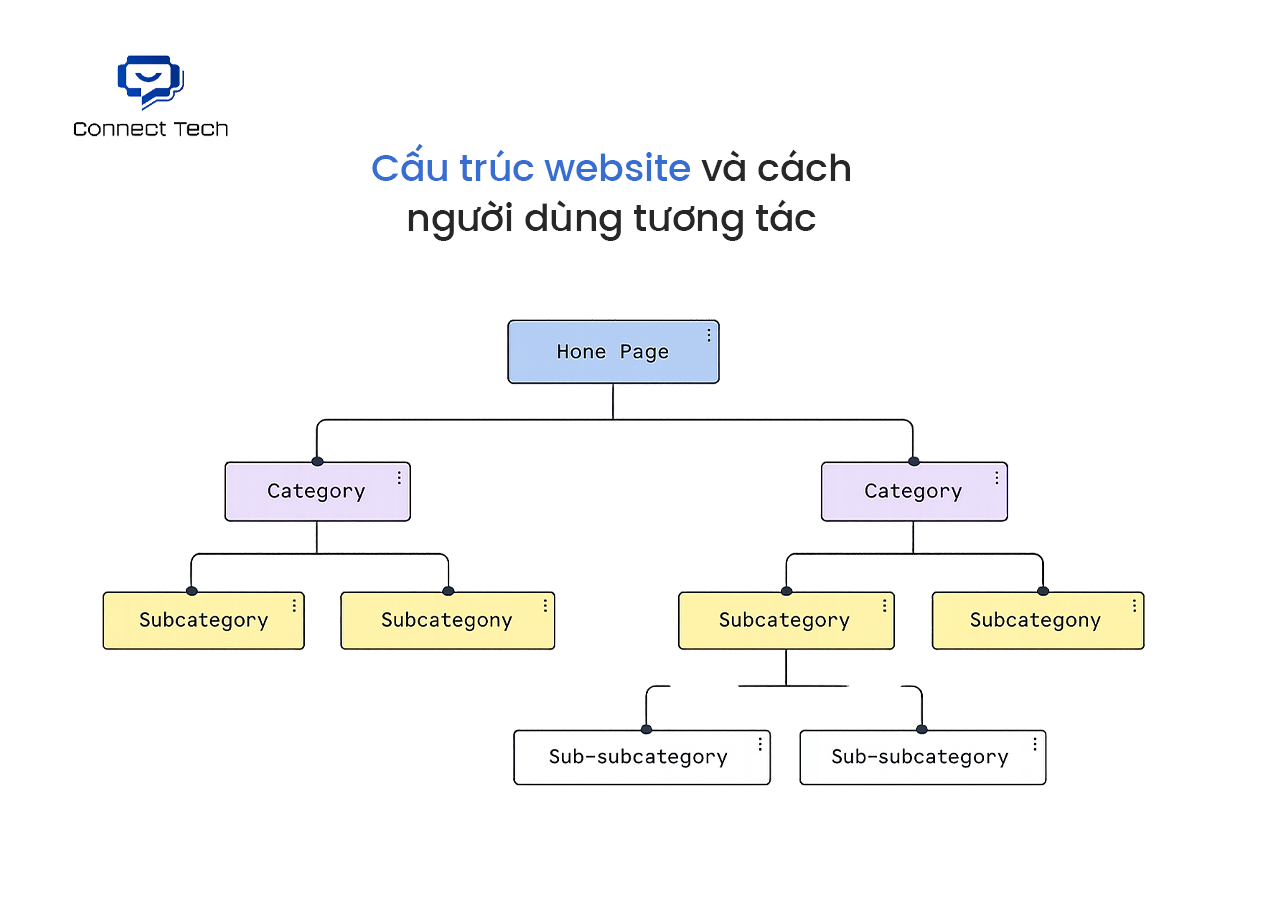
In website design, the core question is not whether the website contains enough information, but whether visitors can quickly understand what the business offers and what they should do next. If users need too much time to figure that out, the website has already failed at the structural level.
Many websites look fine but are difficult to use because everything is organized according to the creator’s logic, not the user’s logic. When the structure is unclear, users are forced to guess. And in most cases, they simply leave.
1. What Website Structure Is and Why Many Websites Feel Confusing
Website structure refers to how pages and content are organized so users can understand the site quickly and move in the right direction. In website design, a good structure allows visitors to grasp the overall picture within just a few seconds.
Confusing websites usually stem from three main issues. The homepage tries to communicate too many messages. The navigation menu is long but lacks focus. Each page attempts to cover everything, so in the end, nothing is communicated clearly.
An effective structure is always built around how users actually read and navigate a website, rather than how a business internally describes itself.
2. What Pages a Business Website Should Have
When starting a website design project, having more pages does not necessarily make the website better. What matters is that each page has a clear role in the user journey.
A business website usually revolves around several core page groups. The homepage provides quick positioning. Service or product pages clarify value. The about page builds trust. Supporting content pages help visitors make decisions.
When the page system is built with a clear website structure for businesses in mind, the website becomes cleaner, easier to use, and avoids forcing too much information into a single place.
III. CMS and Content Management Platforms in Website Design
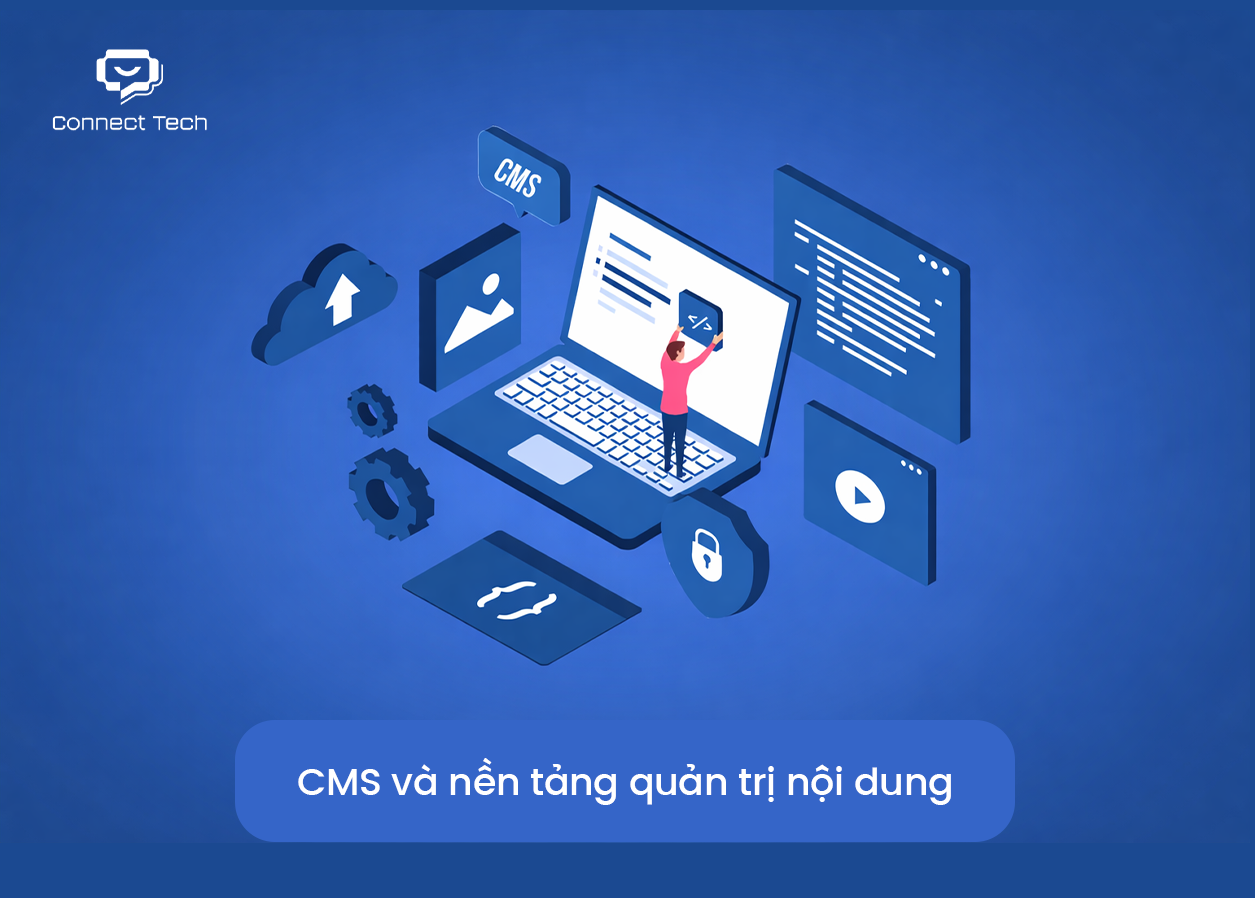
CMS is not purely a technical topic. It is fundamentally about control. Can a business manage its own website, or does every small change still depend on the web vendor?
Many poorly performing websites do not fail because of bad design, but because the content management platform was chosen without considering how the website would actually be used over time.
1. What a CMS Is in Website Design
A CMS is a system that allows website content to be managed without directly modifying the source code. In website design, a CMS determines who can edit content, how much they are allowed to change, and whether those changes pose risks to the overall system.
Websites without a CMS, or with a CMS implemented only superficially, often fall into three common situations:
- Content is difficult to update and requires technical support
- User roles and permissions are unclear, leading to frequent mistakes
- Every change feels risky, with constant fear of breaking something
The correct way to understand what a CMS is in website design is to view it as part of the operational system, not as an add-on feature.
2. The Advantages and Limitations of CMS-Based Websites
The greatest advantage of a CMS is autonomy. Content is separated from the technical layer, allowing internal teams to handle regular updates without affecting the system.
However, a CMS is not always the best solution. Choosing the wrong platform or over-customizing it can make a website heavy, difficult to optimize for performance, or create a new form of dependency disguised as “ease of use.”
Therefore, the real question is not whether a CMS should be used, but understanding the advantages and limitations of CMS-based websites within the context of business goals and long-term growth plans.
IV. Technology and Website Implementation Approaches
The most practical question in website design is not which technology to use, but how far the website actually needs to go. Many websites are over-engineered from the beginning. They adopt complex solutions before there is any real need, which leads to higher costs, poor usability, and difficulties when changes are required later.
An effective website is not one that uses a lot of technology, but one that fits its current purpose and does not create unnecessary obstacles for future growth.
1. Technologies Commonly Used to Build Websites Today
Today, websites are generally implemented in a few main ways.
- Some websites only need to present services, company information, and basic content. These sites prioritize stability, ease of management, and do not require complex systems.
- Other websites focus on e-commerce or marketing performance. These require good speed, clear structure, and the ability to optimize and add features when needed.
- There are also websites built as working systems, where users log in, perform tasks, and process data. In these cases, the technology must be flexible enough to support business workflows.
The issue is not whether a technology is new or old, but whether it matches its purpose. Understanding what current website implementation technologies are meant to serve helps avoid choosing solutions that exceed actual needs.
2. The Difference Between Websites and Web Applications
Websites and web applications are often treated as the same thing, but they serve very different purposes.
- Websites are mainly for reading, learning, comparing, and contacting. Their goal is to deliver information and support decision-making.
- Web applications are designed for frequent user interaction. They involve login systems, workflows, data processing, and complex logic. They function more like software running in a browser than a traditional website.
If a business does not yet require complex user workflows, building a web application from the start is usually unnecessary. Clearly understanding the difference between websites and web applications helps prevent over-investing in needs that do not yet exist.
Technology in website design should be chosen based on being sufficient, easy to operate, and ready to scale when truly needed. Starting simple often allows a website to last longer and deliver more practical value over time.
V. SEO, Security, and Long-Term Website Sustainability
Finishing a website is never the end point. The more practical questions are whether the website can actually bring in customers and whether it can be used effectively over the long term. Many websites look fine at launch, but after some time they attract little traffic, become difficult to maintain, and gradually slow down.
The problem is often not the content itself, but how the website was designed and built from the beginning.
1. What an SEO-Friendly Website Really Means
An SEO-friendly website is not one that stuffs keywords or installs every possible tool. It is a website built so that search engines can clearly understand its structure and users can easily find information.
A truly SEO-friendly website typically has a clear structure, well-organized content hierarchy, readable URLs, and no barriers to future expansion. Without this foundation, SEO efforts added later rarely deliver strong results.
The correct way to understand what an SEO-friendly website means is to view it as a long-term approach to organic search, not a short-term optimization tactic.
2. How Website Design Affects SEO
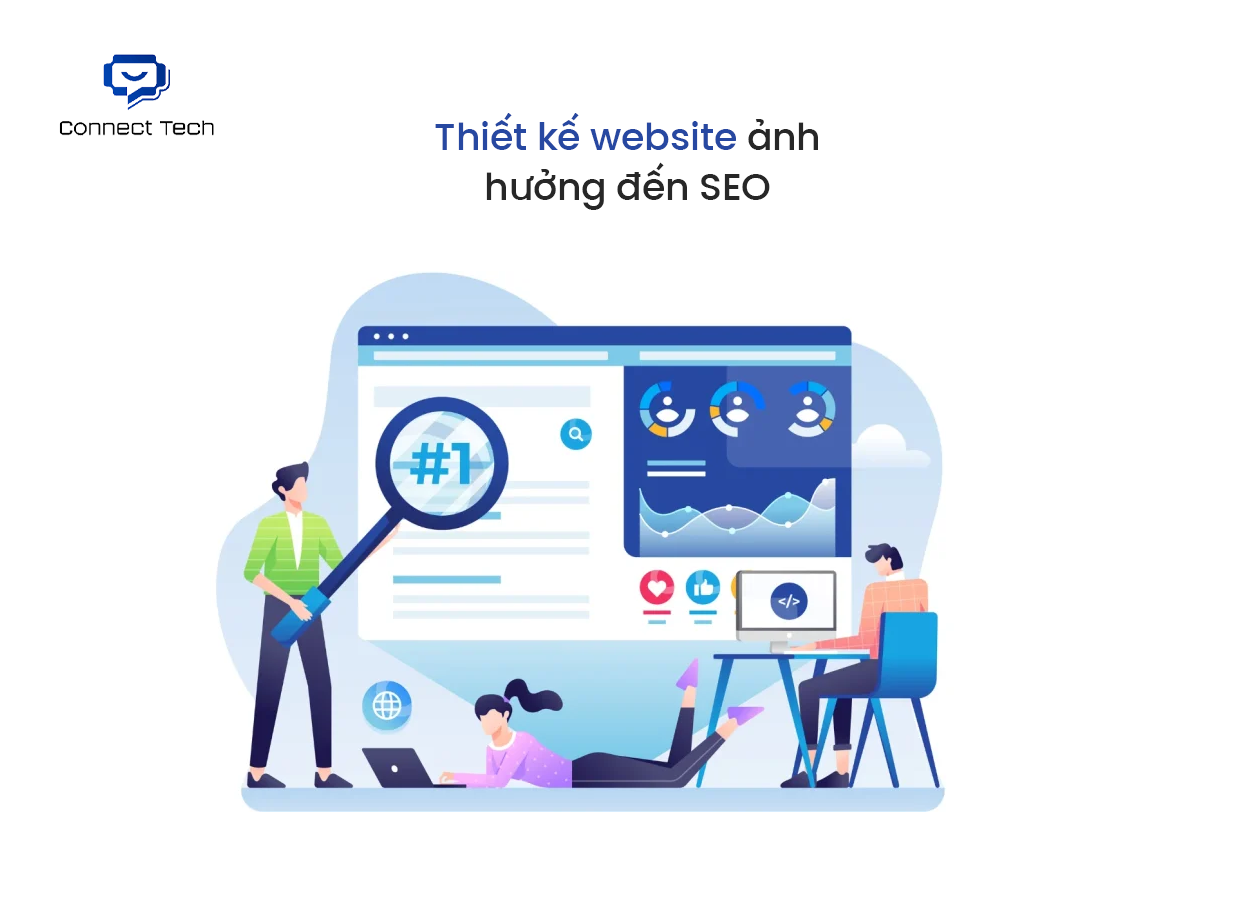
SEO is not something that should only be considered after a website is completed. Design decisions directly influence SEO performance from the start.
Confusing page structures, heavy interfaces, unnecessary visual effects, or poorly controlled content all make it harder for a website to rank well. In contrast, websites that are clean, well-structured, and focused on user experience tend to achieve more sustainable SEO results.
Understanding how website design affects SEO helps avoid the costly mistake of prioritizing visual appeal first and fixing SEO issues later.
3. Why Website Speed Matters for User Experience
Website speed is not just a technical issue. It directly impacts how users feel and behave.
Slow websites cause visitors to leave earlier, reduce conversion rates, and negatively affect SEO. Many slow websites are not limited by server performance, but by heavy design choices, unoptimized images, or poorly chosen technologies.
At its core, understanding why website speed matters for user experience comes down to whether the website respects the user’s time.
SEO, security, and long-term operability are not optional add-ons at the end of a project. They are the factors that determine whether a website becomes a sustainable customer acquisition channel or remains only a visually complete product.
VI. Conclusion
Looking at the entire website design process, it becomes clear that a good website is not built on a single factor. Visual design is important, but it is not enough. Modern technology is an advantage, but it cannot replace structural thinking. SEO, speed, security, and CMS only deliver value when they are placed in the right roles within a cohesive operational system.
If a business is looking for a structured approach to website design that is easy to manage, reduces dependency, and supports long-term growth, Connect Tech can be a suitable partner. The team approaches websites from both a strategic and execution perspective, focusing on operational efficiency and business value rather than short-lived trends or surface-level aesthetics.
Building a website correctly from the start can save significant costs on future fixes. This is also how Connect Tech approaches every website design project for businesses. Contact Connect Tech today to receive a website performance assessment, consultation on the most suitable implementation approach based on your goals, and a detailed quotation tailored to actual needs. Clarifying the direction early helps avoid unnecessary costs and risks later on.
Address: 70 Street No. 7, Cityland Center Hills, Hanh Thong Ward, Ho Chi Minh City, Vietnam
Phone: 0773 175 996
Email: info@connecttech.vn
Table of Contents
Related news

What Is a Landing Page? Key Differences Between a Landing Page and a Website
What is a landing page? Learn how landing pages work, where they appear, and the key differences between landing pages and websites for marketing success fast!

Website Design Technology: Which Platform Should Your Business Choose?
Explore website design technologies, compare platforms, key criteria, common mistakes, and choose the right solution to scale your business effectively today.
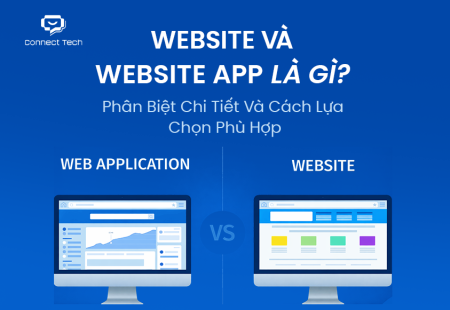
What Are Website and Web App? Detailed Distinction and How to Choose the Right One
Learn the key differences between a Website and Web App. Compare their functions and goals to choose the right digital solution for your business strategy now.
Pros and Cons of CMS Software: Should Businesses Use It for Their Website?
Explore the pros and cons of CMS software for business websites and decide whether CMS or custom development fits your long term growth strategy best today.
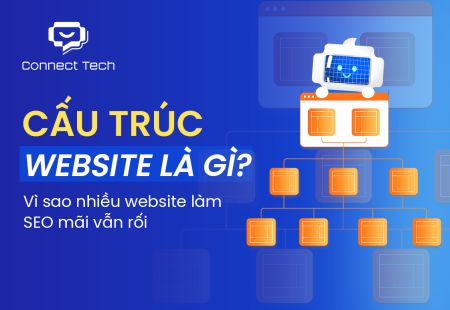
What Is Website Structure? Why So Many SEO Websites Stay Messy for Years
Learn what website structure is, why many SEO websites stay messy for years, and how to build a clear, scalable SEO-friendly structure that ranks and converts.
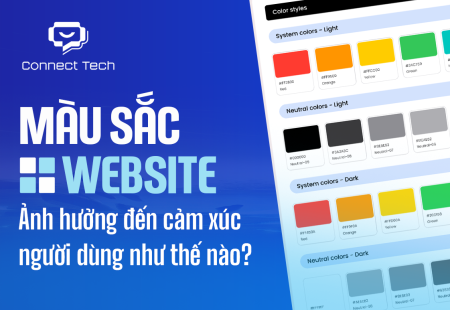
How Website Colors Influence User Emotions
How website colors shape user emotions, trust, and conversion. Learn common mistakes, color psychology, and how to choose colors that drive action growth now