Loading Table of Contents...
Shop Management on Shopee: A Detailed Guide for Sellers
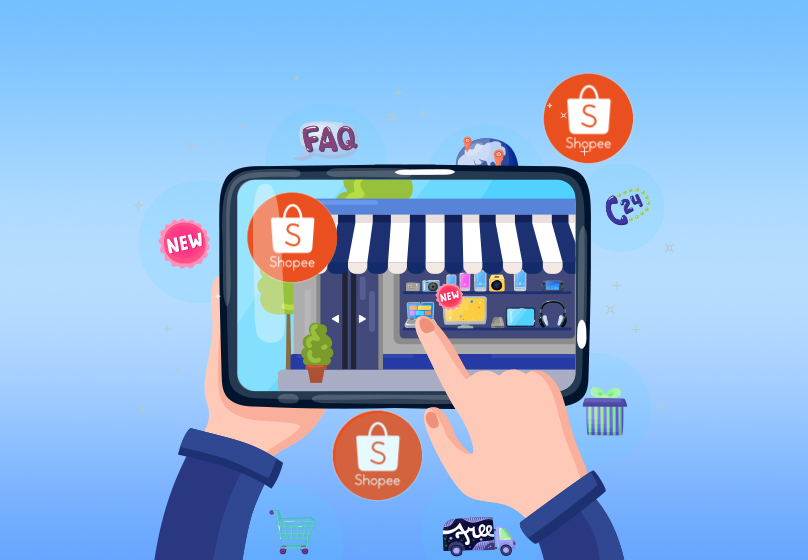
Effective shop management on Shopee helps optimize revenue, synchronize inventory, process orders quickly, run promotions, and enhance customer experience.
Shopee is one of the most popular e-commerce platforms in Vietnam, connecting millions of sellers and buyers every day. Knowing how to manage your shop professionally helps maximize revenue, minimize errors in inventory, orders, and delivery, while saving time and improving customer experience. This article will guide you through shop management on Shopee, from the basics to advanced strategies, along with supporting tools such as the Seller Center and multi-channel management software to streamline operations, boost sales, and build a sustainable brand.
I. Why Is Shop Management on Shopee Important?
For sellers, running a shop in a systematic and efficient way plays a crucial role in business success. Below are the key reasons why effective shop management is essential:
1. Ensuring Inventory and Order Synchronization
One of the most common problems many shops face is overstocking or running out of stock, which can lead to losing customers or holding excessive inventory. Using the Seller Center or multi-channel management software helps synchronize inventory and orders across different storefronts, ensuring that all changes in product quantity are updated in real time.
2. Optimizing Revenue and Costs
Efficient shop management allows you to closely track revenue, operating costs, and profits from each order or product. Detailed reports from management software provide real-time data, helping sellers make accurate decisions on pricing, purchasing strategies, and promotions—ultimately optimizing profit without unnecessary effort.
3. Enhancing Customer Experience
Customers value shops that process orders quickly, deliver on time, and respond promptly. With professional shop management, every step—from order processing, invoicing, and packaging to delivery—runs smoothly. This not only strengthens your shop’s credibility but also increases the likelihood of repeat purchases.
4. Managing Promotions Effectively
Shopee frequently organizes promotional campaigns to boost shopping activity. Managing your shop on a unified platform allows you to track ongoing campaigns, optimize promotions, and roll them out consistently across multiple shops. This maximizes the potential to increase sales from promotions.
5. Saving Time and Effort
Especially for sellers managing multiple storefronts or selling across channels, manual management can be time-consuming and prone to errors. Using professional management tools centralizes shop operations, synchronizes inventory and orders, and makes customer care and data analysis much easier.
II. Key Components to Manage in a Shopee Shop
To run a Shopee shop effectively, sellers need to closely manage several essential components. Each plays an important role in optimizing business performance and enhancing customer experience. Below are the main components you should focus on:
1. Products
Product management includes listing, editing information, updating prices, and creating promotions. Additionally, optimizing Shopee SEO for products improves visibility on search results, helping you reach more customers. Sales management software supports bulk listing, product synchronization, and quick updates, saving time and reducing errors.
2. Inventory
Monitoring stock levels is crucial to avoid shortages or overstocking. Management tools enable automatic inventory updates, low-stock alerts, and warehouse tracking. As a result, import and export processes become more accurate and efficient, minimizing risks during operations.
3. Orders
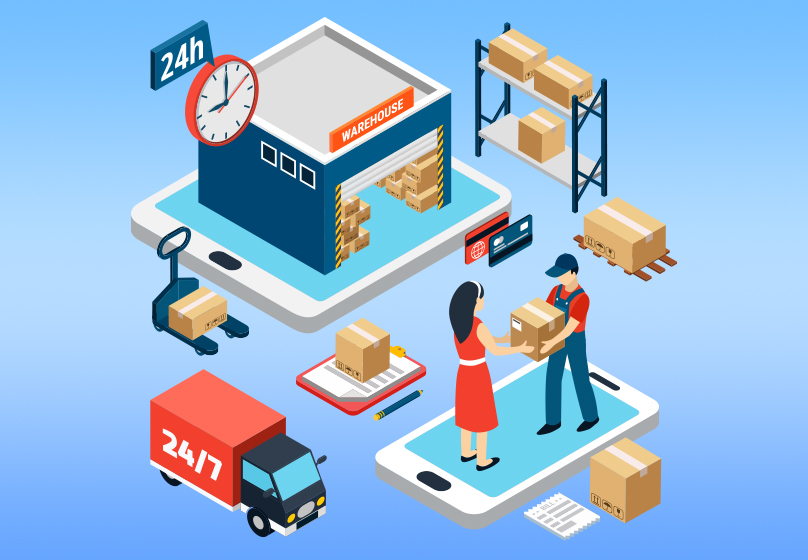
Sellers need to track, process, print invoices, package, and monitor deliveries. In addition, order cancellations and returns must be handled promptly to maintain the shop’s reputation. Using the Seller Center or multi-channel software helps synchronize orders across multiple shops and minimizes errors.
4. Customers
Customer management involves storing information, segmenting into groups, providing customer care, and running remarketing campaigns. Understanding customer behavior increases repeat purchases, builds loyalty, and optimizes marketing strategies.
5. Reports and Accounting
Monitoring revenue, profit, order volume, and sales campaign performance enables sellers to make accurate decisions. Detailed reports on best-selling products, profit/loss by channel, or by shop are essential tools to optimize business strategies.
6. Promotions
Shopee regularly organizes attractive promotional programs. Managing promotions allows sellers to track and join relevant campaigns, synchronize them across multiple shops, and maximize sales opportunities. Shop management tools such as the Seller Center make it easy to monitor the promotion status of each shop, saving time and improving sales performance.
Read more: Shopee Livestream on Phone: Instructions From A to Z
III. Tools to Support Shopee Shop Management
To manage a Shopee shop effectively, using support tools is essential. These tools help synchronize data, save time, and minimize errors during operations. Below are the most notable tools:
1. Shopee Seller Center
- Enables multi-shop management on a single platform, making it easier for sellers to control multiple storefronts.
- Synchronizes inventory, orders, and promotions to avoid missed orders or stockouts.
- Provides low-stock alerts, supports barcode printing, and manages warehouse locations, ensuring fast and accurate stock handling.

2. Multi-Channel Sales Management Software
For sellers who own multiple storefronts or operate across various platforms, sales management software serves as a powerful assistant:
- Nhanh.vn: Connects to multiple e-commerce platforms, synchronizes inventory, supports Shopee SEO, and provides detailed financial reports, enabling sellers to accurately track revenue and profit.
- Bizweb: Supports multi-channel management across inventory, orders, and customers while offering sales data analysis and effective online marketing tools.
- GoSELL, Haravan, Ninja Shopee, Big Seller, Sota, MISA eShop, Salekit, Pancake: These platforms provide features such as order synchronization, inventory management, sales process automation, customer care, barcode creation, and marketing support. Each software has its own strengths, catering to different needs ranging from small shops to large retail chains.
3. Notes When Choosing Tools
- Select tools that match your shop size, number of storefronts, and operating costs.
- Consider automation needs and multi-channel integration to optimize management processes.
- Test trial versions before making a purchase decision to ensure they meet real business needs.

IV. Effective Shopee Shop Management Process
To run a Shopee shop professionally and achieve high efficiency, sellers need to follow a structured management process. Below are the basic and advanced steps you should apply:
1. Set Up Your Shop and Connect Management Tools
The first step is linking your shop to the Seller Center or multi-channel management software such as Nhanh.vn, Bizweb, or GoSELL. This allows product, inventory, and order synchronization across shops, minimizing errors and saving operational time.
2. Manage Products
- List products with Shopee SEO optimization to increase visibility in search results.
- Update product information, images, pricing, and promotions.
- Use bulk listing features or duplicate products via management tools to save time.

V. Common Mistakes in Shopee Shop Management
During the process of running a shop on Shopee, many sellers still make common mistakes that reduce business efficiency. Recognizing and avoiding these mistakes will help your shop operate more smoothly:
- Not synchronizing inventory: This can easily lead to stockouts or overstocking. Synchronizing through the Seller Center or multi-channel software helps prevent these errors.
- Missing or delaying order processing: This negatively impacts the customer experience. Using synchronization tools allows automatic order receiving and processing.
- Ineffective promotion management: Failing to take advantage of sales opportunities. Centralized management helps deploy promotions consistently.
- Lack of detailed reports: Makes it difficult to make decisions on purchasing, pricing, and marketing. Software such as Nhanh.vn, MISA eShop, and Bizweb provides real-time reports.
- Not using management software: Manual management consumes time and is error-prone. Software solutions help automate processes, improve efficiency, and reduce mistakes.
VI. Conclusion
Effective shop management on Shopee is the key to maximizing revenue, minimizing errors, and enhancing customer experience. With structured operations, sellers can gain clear benefits: accurate inventory and order synchronization, effective promotion deployment, timely tracking of revenue and profit, and significant savings in time and effort. Using management tools such as the Seller Center, Nhanh.vn, or Bizweb helps automate workflows, increase sales performance, and ensure smooth shop operations.
Table of Contents
Related news

What Is a Landing Page? Key Differences Between a Landing Page and a Website
What is a landing page? Learn how landing pages work, where they appear, and the key differences between landing pages and websites for marketing success fast!

Website Design Technology: Which Platform Should Your Business Choose?
Explore website design technologies, compare platforms, key criteria, common mistakes, and choose the right solution to scale your business effectively today.

What Are Website and Web App? Detailed Distinction and How to Choose the Right One
Learn the key differences between a Website and Web App. Compare their functions and goals to choose the right digital solution for your business strategy now.
Pros and Cons of CMS Software: Should Businesses Use It for Their Website?
Explore the pros and cons of CMS software for business websites and decide whether CMS or custom development fits your long term growth strategy best today.

What Is Website Structure? Why So Many SEO Websites Stay Messy for Years
Learn what website structure is, why many SEO websites stay messy for years, and how to build a clear, scalable SEO-friendly structure that ranks and converts.
How Website Colors Influence User Emotions
How website colors shape user emotions, trust, and conversion. Learn common mistakes, color psychology, and how to choose colors that drive action growth now