Loading Table of Contents...
Top 10 Free, Easy-to-Use AI Video Generators
Quick Summary
Collapse
Explore easy-to-use AI video generators in 2026. Compare free-plan limits, learn how to create videos from images and text, and discover practical prompts.
AI video generators can turn text, images, or simple ideas into videos without requiring complicated editing skills. Whether you want to create TikTok videos, product advertisements, or engaging content, Connect Tech introduces 10 AI video tools worth exploring, covering their features, advantages, limitations, and pricing to help you find the right option.
|
|
|
|
|
|
|
|
|
|
|
|
|
|
|
|
|
|
|
|
|
|
|
|
|
|
|
|
|
|
|
|
|
|
|
|
|
|
|
|
|
|
|
|
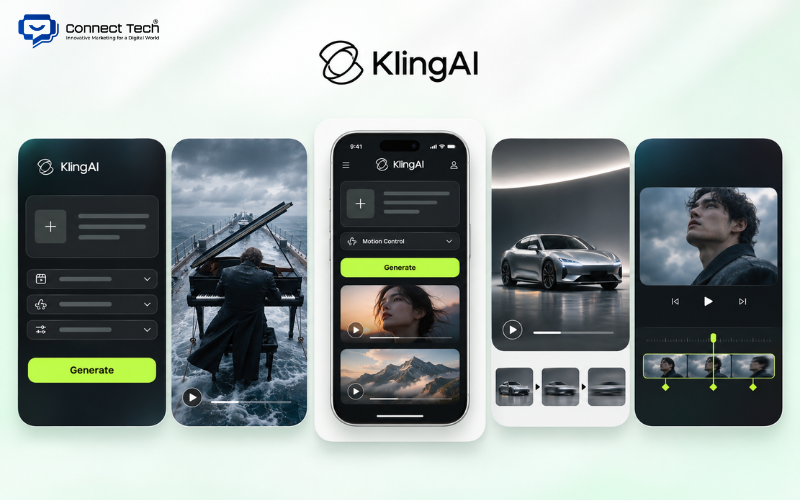
1. Kling AI – An AI Video Generator with Realistic Motion
Kling AI is an AI video generation tool that transforms text and images into videos, with a strong focus on realistic motion and scene control. Developed by Kuaishou, the platform is suitable for users who want to create product videos, animated characters, or cinematic scenes without filming them in real life.
Kling AI supports two popular methods: Text-to-Video, which generates new scenes from written descriptions, and Image-to-Video, which transforms existing images into moving videos. For example, you can upload a photo of a car and ask the AI tool to create a scene where the camera moves around the vehicle while natural light reflects across its surface.
Kling 4.0 offers greater control over video creation through reference images, keyframes, and editing tools. According to the developer, this version supports videos ranging from 3 to 30 seconds in a single generation, depending on the selected mode and access conditions.
Key features of Kling AI:
- Text-to-Video: Generates new video scenes from written prompts.
- Image-to-Video: Transforms still images into moving videos.
- Keyframe: Defines important frames that guide the AI in generating transitions between them.
- Motion Control: Controls certain character movements and actions.
- Omni Reference: Uses images, videos, or other reference materials to guide the generated content.
- Lip Sync: Synchronizes lip movements with audio in supported modes.
Kling AI is suitable for advertisers, product video creators, and content producers. The tool can generate scenes that would be difficult to film in real life, but users should still check details such as hands, faces, text, and logos because AI-generated visuals are not always accurate.
If you want to create AI videos from images for free, you can check the trial credits or promotional offers available for Kling AI accounts. Higher resolutions, longer videos, and advanced features may require a paid plan. Videos created with free accounts may also have export restrictions or watermarks.
2. Google Flow – Generate High-Quality AI Videos with Veo
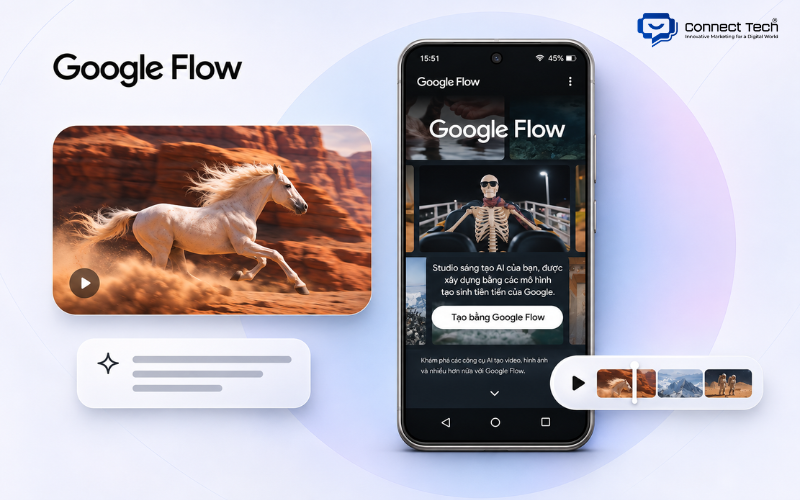
Google Flow is Google's AI-powered video creation platform, allowing users to build scenes from text prompts, images, and reference materials. The tool is suitable for anyone who wants to create videos with well-structured compositions, camera movements, or audio without needing a complete filming setup.
Google Flow uses video models such as Veo and Gemini Omni to process user requests. You can describe a scene, upload a product image, or provide a reference frame to guide the AI toward the desired result.
One of Flow's notable advantages is its ability to combine several creative tasks within the same workspace. Users can generate new scenes, extend videos, edit content, and continue developing ideas based on previous results.
In November 2026, Google further expanded its AI video ecosystem with Gemini Omni 1.2 Flash. This model supports video clips of up to 15 seconds, combines visuals with audio, and allows users to refine videos through multiple rounds of instructions. The available capabilities depend on the model selected in Flow.
For example, a furniture retailer can use Flow to create a modern living room scene, then adjust the camera angle, lighting, and object movements. These scenes can become visual assets for collection showcases or brand advertisements.
For users who want to create AI videos from text for free, Google Flow is worth exploring. According to its publicly available pricing information, Google accounts without a paid AI subscription may receive 50 Flow credits per day. However, the actual number of generations depends on the selected model, video duration, and features.
Flow's main limitation is that advanced models can consume a significant number of credits. Dialogue quality, visual details, and character consistency should also be reviewed before using the generated videos for commercial purposes.
3. Runway – A Professional AI Video Generator
Runway is an AI video generation and editing platform designed for users who need control over motion, camera angles, and visual styles. The tool supports various creative workflows, including advertising production, scene visualization, concept development, and short-form video creation.
Runway allows users to generate videos from written prompts or existing images. You can describe characters, settings, lighting, and camera movements to guide the output. When working with an input image, Runway uses the image as a visual reference and adds motion based on the prompt.
The Gen-4.5 model supports Text-to-Video and Image-to-Video, with durations ranging from 2 to 10 seconds and an output resolution of 720p. It also supports multiple aspect ratios, including 16:9, 9:16, and 1:1, making it useful for websites, YouTube, and short-form video platforms.
Runway's strength lies in its ability to follow detailed camera movement instructions. For example, you can ask the camera to slowly move toward a product and then change direction to highlight its materials or design.
Runway also provides editing tools and creative workflows for users who need to develop multiple scenes. However, results still depend on prompt quality and reference images. Scenes involving many characters or complex actions may require several attempts.
In terms of pricing, Runway offers a Free plan with 125 credits provided as a one-time allocation, rather than credits that renew every month. Videos generated on the Free plan include watermarks, while Gen-4.5 requires a Standard plan or higher and consumes 12 credits per second of generated video.
Runway is therefore better suited to users who have clear creative requirements and are willing to invest in video production tools. If you are trying AI video creation for the first time, start with the models available on the Free plan before upgrading.
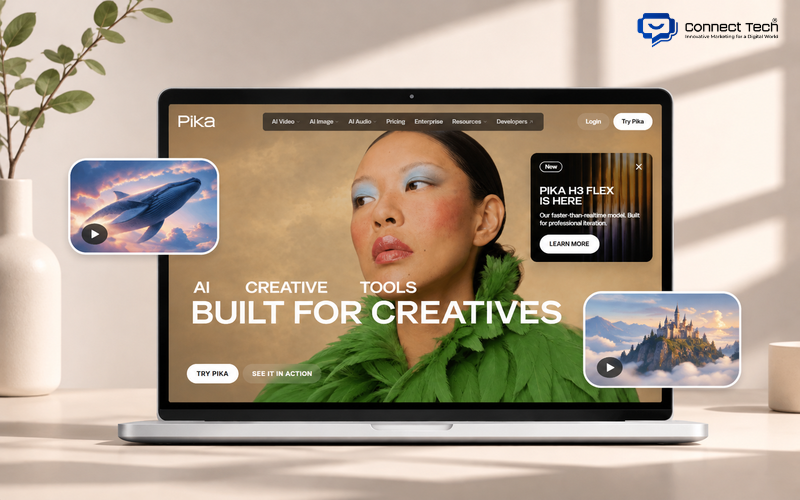
4. Pika – Create Imaginative AI Videos from Images and Text
Pika is an AI video generator focused on short clips, visual effects, and creative content transformations. The platform is suitable for users who want to produce entertainment videos, social media content, or experiment with ideas that would be difficult to achieve through conventional filming.
Pika supports video generation from text prompts and existing images. Users can describe how a subject should move, change the background, or apply transformation effects to make their videos more engaging.
The H3 Flex version, introduced in late October 2026, expands the platform's ability to combine reference images, videos, and audio. The model supports clips ranging from 5 to 15 seconds and can generate audio that matches the visual content.
One notable feature is Pika's ability to produce different audio layers, including dialogue, ambient sound, and effects. This can be useful when users want to complete a short video without sourcing every sound element separately.
For example, you can upload an image of an animated character and ask it to walk through a forest while leaves move in the wind and birds chirp in the background. The AI uses these instructions to generate a new scene.
Anyone looking to generate AI videos from images can start with a clear picture and a simple prompt describing the desired movement. This approach helps the AI focus on animation rather than generating the entire visual scene from scratch.
Pika performs well with creative effects and reference-based generation, but it does not always preserve the exact appearance of characters or objects. Users should review these details before publishing their videos.
Regarding pricing, the Free plan currently provides access to the models but does not include monthly credits. Users need to purchase credit packages to continue generating videos. According to the current pricing information, commercial usage rights are included starting with the Creator plan, meaning not every paid plan automatically includes those rights.
5. Hailuo AI – Turn Images into Videos with Natural Motion
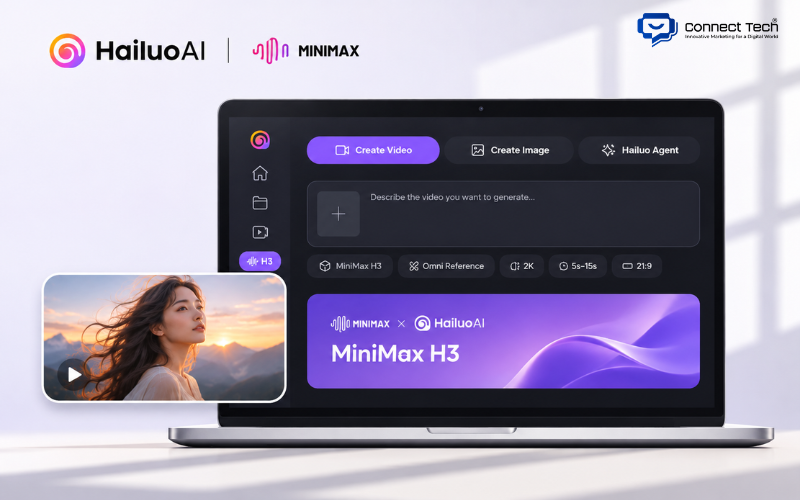
Hailuo AI is a video generation platform developed by MiniMax that transforms images or written descriptions into moving scenes. The tool is suitable for portrait videos, storytelling, product presentations, and short advertising content.
Hailuo AI supports Text-to-Video and Image-to-Video. Users can describe the setting, characters, lighting, and actions, allowing the AI to create a video based on those instructions.
The tool is particularly useful when you already have a good image and want to add movement. For example, a fashion brand can use a model's photograph to generate a scene in which the person turns, walks, or changes position. This makes the product presentation more engaging than a static image.
MiniMax continued developing the platform with its H3 model, announced in July 2026. The model accepts different types of input, including text, images, video, and audio references.
According to MiniMax, H3 supports videos of up to 15 seconds, stereo audio, and output resolutions of up to 2K in supported configurations. Its reference-based controls help users guide motion and visual style more precisely than a simple text prompt.
Hailuo AI can support AI-generated video creation for product scenes, characters, and animated visual content. However, the AI may still produce inaccurate facial details, hands, or object shapes when movements become too complex.
For videos containing dialogue, you should also check language support. MiniMax does not list Vietnamese among the 11 languages with stable support in H3, so you should not assume that all Vietnamese dialogue will be generated accurately.
As for pricing, Hailuo offers promotional credits to new users from time to time. Some promotions provide a one-time credit allocation with a short expiration period. You should check the available credits directly in your account before generating videos.
6. PixVerse – An AI Video Generator with Unique Visual Effects
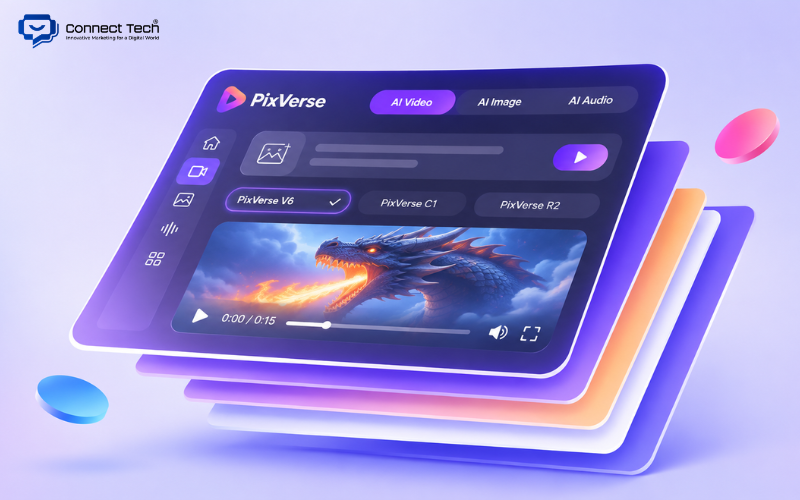
PixVerse is an AI video generation platform that creates videos from text and images, with a particular focus on creative effects for short-form content. The tool allows users to produce entertainment videos, transform characters, or develop new visual concepts without manually building complicated effects.
PixVerse provides Text-to-Video, Image-to-Video, video reference features, and ready-made effect templates. Users can enter a prompt or upload an image, then choose the desired style and video settings.
Models such as PixVerse V6, V6 Max, and C1 serve different needs, ranging from general video generation to scenes with complex movements or cinematic styles. Some models support clips of up to 15 seconds and multiple aspect ratios.
A convenient aspect of PixVerse is that users can experiment with different visual styles on the same platform. For example, you can transform a portrait into a moving character and then apply another effect to create an animated version.
PixVerse also offers tools related to Lip Sync, audio, and video editing, depending on the selected model and mode. These features are useful for TikTok, Instagram Reels, and short entertainment videos.
For users looking for a free AI video generator website, PixVerse offers a Basic plan for testing the platform. According to information published in October 2026, this plan includes 60 initial credits and 30 daily credits. The number of credits required varies depending on the model, resolution, and video duration.
PixVerse also supports access through its website and mobile applications, allowing users to review their creations across devices. However, regenerating videos generally consumes additional credits, while watermark-free exports and certain high-resolution options depend on the subscription plan.
7. Adobe Firefly – Generate and Edit AI Videos for Creative Work
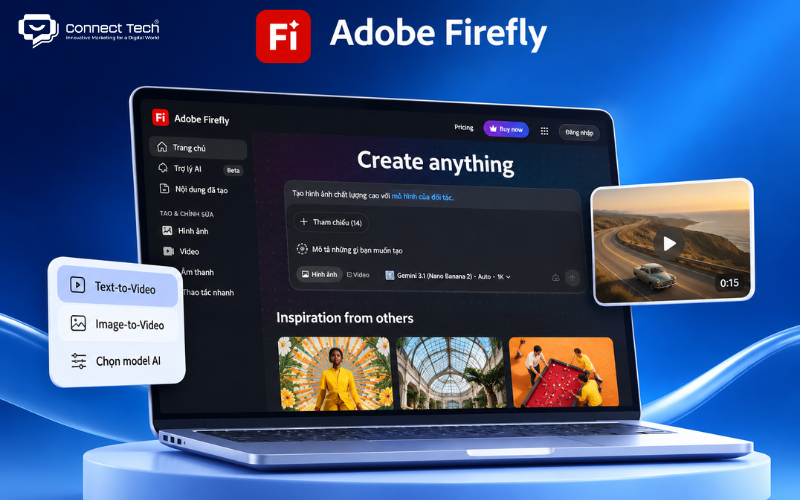
Adobe Firefly is Adobe's generative AI platform, supporting video creation from text and images while allowing users to incorporate the results into their design workflows. The tool is suitable for designers, marketers, and professionals already familiar with Adobe products.
Adobe Firefly offers Text-to-Video and Image-to-Video features for generating new scenes. Users can describe the subject, style, lighting, or camera movement to guide the output.
One of Firefly's distinguishing features is its ability to use multiple AI models within the same workspace. In addition to Adobe's own Firefly Video Model, the platform integrates supported third-party models.
This flexibility allows users to select different models based on their needs rather than relying on a single technology. For example, you can generate a product scene, refine it, and then incorporate the result into a design or video editing workflow.
Adobe Firefly is also suitable for creating B-roll, visual illustrations, advertising scenes, storyboards, and short video clips for content production.
A notable advantage is that Adobe develops its own Firefly models with commercial use in mind. However, partner models may have different usage policies. Users should still review the applicable terms, especially when videos include brands, characters, or third-party copyrighted materials.
Adobe provides a limited number of free generations each day on selected models. Premium features, partner models, and frequent video generation may require a paid plan or generative credits.
Common applications of Adobe Firefly include:
|
|
|
|
|
|
|
|
|
|
|
|
|
|
|
|
|
|
Adobe Firefly's main limitation is the cost of frequently using premium AI video generation features. Beginners may also need some time to become familiar with choosing models and managing credits.
8. Canva AI – A Beginner-Friendly AI Video Generator
Canva AI allows users to generate short videos from text prompts and continue editing them through Canva's familiar design interface. The tool is suitable for beginners, office workers, small business owners, and social media content creators.
Canva integrates AI video generation directly into its online design environment. Users can open Canva AI, enter a description, generate a video, and then move the result into Canva Video Editor to add other elements.
The Create a Video Clip feature currently supports 8-second videos with audio or 6-second videos without audio. Users can also attach reference images to guide the scene's composition or visual style.
For example, a cosmetics retailer can ask Canva to create a scene featuring a perfume bottle on a marble table under soft lighting. Once the clip is generated, the user can add a headline, price, brand visuals, and background music using the editor.
Canva's main strength is its ability to combine AI-generated video with existing design elements. You do not need to switch between multiple applications to complete a product introduction or social media post.
Canva also offers Magic Video, which automatically arranges the images and video clips provided by users into a multi-scene video. However, this feature should not be confused with Create a Video Clip, which generates new video content from a prompt.
Many users consider Canva when looking for ways to create AI videos for free, but not all of its video generation features are available on the Free plan. According to official documentation, Create a Video Clip offers limited generations to eligible plans such as Pro, Business, Enterprise, and Nonprofit. Prompts for this feature currently support English only.
Canva is therefore most suitable when you need a tool that combines AI content generation, design, and straightforward video editing.
9. CapCut – Create and Edit AI Videos for TikTok and Reels
CapCut is a video editing platform with integrated AI features that help users generate content from scripts and images, then complete their videos within the same application. It is particularly suitable for users who regularly create TikTok videos, Facebook Reels, YouTube Shorts, or sales content.
CapCut provides tools for generating videos from ideas or written content. Users can enter a topic, develop a script, choose a visual style, and build a video using images, audio, or voiceovers.
The platform also supports common editing tasks such as automatic subtitles, audio adjustments, transitions, visual effects, trimming, merging clips, and changing aspect ratios.
One of CapCut's advantages is that users can continue editing their videos immediately after the AI generates the content. For example, you can create a short product introduction and then add your logo, a call to action, and subtitles before exporting the finished video.
CapCut is also integrating video generation models such as Seedance 2.5 into selected workflows. However, access depends on region, device, and subscription plan. On CapCut PC, advanced Seedance 2.5 features are available through a credit-based system for Pro or Ultra members.
For users interested in creating AI videos for free on mobile, CapCut is worth considering because its mobile application offers a free version with many basic editing features. However, AI video generation, premium models, and advanced export options may require credits or a paid subscription.
CapCut is particularly useful for:
- Creating TikTok or Facebook Reels videos from scripts.
- Producing product introduction videos for online stores.
- Adding AI voiceovers and subtitles to videos.
- Combining multiple short clips into a complete video.
- Creating videos with music, effects, and calls to action.
CapCut helps beginners reduce the time spent on editing, but it does not completely replace dedicated AI video generation platforms. If you need a complex cinematic scene or precise control over character movement, you can generate the footage using another tool and then import it into CapCut for final editing.
10. HeyGen – Create AI Presenter Videos with Voiceovers
HeyGen is an AI video platform that uses virtual presenters to turn written scripts into videos featuring speaking characters, without requiring users to record themselves. The tool is suitable for product introductions, training materials, presentations, and business videos that need a presenter.
HeyGen uses AI Avatar technology to generate characters with facial expressions and lip movements synchronized with speech. Users can select an avatar from the library, enter their script, and choose an appropriate voice.
Unlike tools focused on cinematic scene generation, HeyGen specializes in presenting information through digital speakers. For example, a business can produce software tutorial videos without asking employees to appear on camera every time the content needs updating.
HeyGen also offers Video Agent, which helps users turn ideas into videos by developing scripts, visuals, voiceovers, and other supporting elements.
In September 2026, HeyGen introduced Avatar V, which allows users to create digital avatars from a short reference video of approximately 15 seconds. The technology can capture certain movement patterns and facial expressions from a real person and apply them to future videos.
For businesses, reusable avatars help maintain a consistent presenter across multiple videos. However, replicating someone's appearance or voice requires their consent.
HeyGen offers a Free plan with up to 3 videos per month, each limited to 1 minute and including a watermark. Advanced features such as Avatar V and higher-quality exports depend on the subscription plan.
If you want to create AI videos featuring a virtual presenter, HeyGen is more suitable than tools that focus exclusively on animating images. However, AI-generated movements and voices may not always express emotions as naturally as real people, especially when a video requires complex facial expressions.
Every AI video generator has its own strengths. Kling AI, Runway, and Google Flow are suitable for creative video scenes, while Canva and CapCut make social media video production more accessible to beginners. HeyGen, meanwhile, specializes in videos featuring AI presenters. Your choice should depend on your goals, desired quality, and budget rather than the number of features alone.
If your business wants to incorporate AI into marketing and digital content development, Connect Tech can help you explore digital marketing solutions that align with your business goals

Table of Contents