
Loading Table of Contents...
What is Google Penguin? How to Identify and Recover from Penguin Algorithm Penalties
Quick Summary
Collapse
What is Google Penguin? Learn how this algorithm penalizes sites with unnatural backlinks and follow a proven 8-step SEO strategy to recover and boost your rankings.
Have you ever optimized your website, built backlinks consistently, and created quality content but still saw your rankings drop for no apparent reason? It’s very likely that your website has been affected by Google Penguin, one of Google’s most aggressive anti-spam algorithms.
Launched in 2012, Google Penguin is an automated filter designed to penalize websites that deliberately manipulate search rankings through unnatural link schemes. In other words, even if you have thousands of backlinks, if most of them come from low-quality sources or over-optimized anchor text, you are at high risk of being penalized by this algorithm. In this article, let’s join Connect Tech to explore what Google Penguin is and how to identify and recover from Penguin algorithm penalties.
I. What is Google Penguin?
1. Definition of Google Penguin
Google Penguin is a Google algorithm introduced on April 24, 2012, to detect and demote websites that use link spam tactics or keyword stuffing to gain higher search rankings.
Unlike regular core updates, Penguin specifically targets the backlink profile. It scans and evaluates whether the links pointing to your site:
- Come from untrustworthy sources?
- Are contextually relevant?
- Repeat the same anchor text too often?
If any abnormal behavior is detected, Google will take action by:
- Lowering the ranking of the target page in search results
- Even temporarily deindexing it if the violation is severe
In 2016, Google announced that Penguin had been integrated into its core algorithm and would be updated in real time, meaning you no longer have to wait for periodic refreshes to recover or be penalized.
2. Differences Between Google Penguin and Google Panda
|
|
|
|
|---|---|---|
|
|
|
|
|
|
|
|
|
|
|
|
|
|
|
|
|
|
|
|
II. How Does the Google Penguin Algorithm Work?
Since its debut in 2012, Google Penguin has continuously evolved to more accurately detect link manipulation. In 2016, Penguin was integrated into the core algorithm and started working in real time, meaning any violations are dealt with instantly—no need to wait for major updates.
1. How Google Penguin Evaluates Backlinks and Unnatural Links
Penguin doesn’t just count the number of backlinks to a site—it evaluates the quality and context of each one.
A good backlink has the following traits:
- Comes from a site with related content
- Appears naturally within the article, not forced
- Uses neutral or branded anchor text
An unnatural link is identified by:
- Being bought or exchanged to manipulate rankings
- Coming from an unrelated niche
- Being part of a Private Blog Network (PBN)
- Repeating commercial anchor text excessively
2. Penguin's Impact on White Hat vs Black Hat SEO
|
|
|
|---|---|
|
|
|
|
|
|
|
|
|
|
|
|
3. Types of Behaviors Flagged by Google Penguin
3.1. Paid Backlinks
The most common violation targeted by Penguin.
Even if links are purchased via banner ads, PR articles, or blog comments—if not tagged with rel="sponsored" or nofollow, Penguin still sees them as manipulative.
Flagged behaviors include:
- Buying links from sites selling SEO services
- Adding a large number of backlinks in a short time (especially from spammy domains)
3.2. Keyword Stuffing in Anchor Text
When a single keyword is repeated unnaturally in anchor texts (e.g., “website design service”) across dozens of articles, Penguin will flag it as anchor spam.
Tip: The ratio of commercial keyword anchors should not exceed 5–10% of total links.
3.3. Irrelevant Backlinks
- Backlinks from unrelated niches (e.g., a link to an SEO service on a cooking blog) are considered spam.
- Even if the referring site has high DA/DR, irrelevant context still gets penalized.
3.4. Using PBNs (Private Blog Networks)
No matter how sophisticated, Penguin can still detect PBNs if:
- Multiple sites share the same IP, CMS, or theme
- Anchor texts all point to one domain
- Content is thin or spun
III. Signs That Your Website Is Penalized by Google Penguin
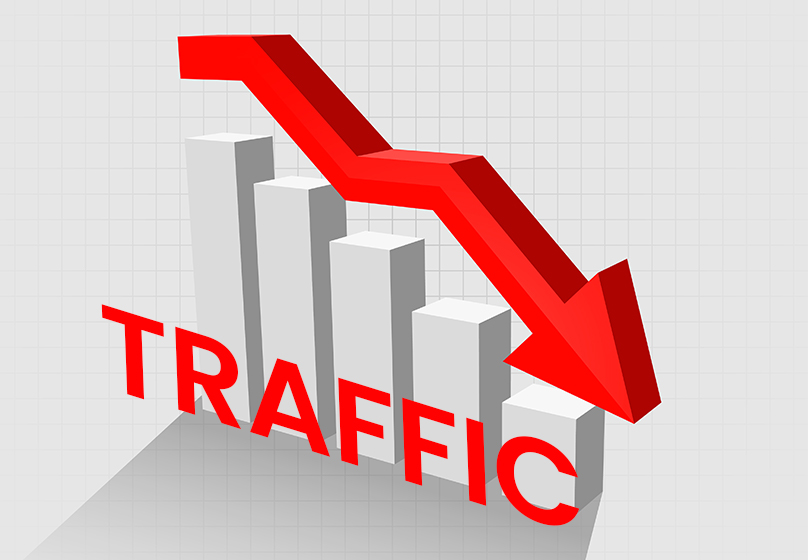
1. Sudden Traffic Drop Without Clear Cause
Traffic drops sharply within days or a week, even though there were no content or technical changes or any core update from Google.
Typical impact:
- Organic traffic drops by 30–70%.
- Main landing pages lose most of their visits.
2. Multiple Important Keywords Lose Ranking
- Several keywords that were in the top 5–10 fall to page 2–3 or disappear from search results altogether.
- Often affects entire keyword clusters, indicating a page-level penalty by Penguin.
Usually happens to:
- Pages with many commercial backlinks
- Over-optimized landing pages
3. Backlink Count Increases but Rankings Don’t Improve
- You invest heavily in backlinks and the total link count increases, but rankings stay flat—or even drop slightly.
- This is known as Penguin “neutralization”, it nullifies the value of suspicious backlinks without issuing an outright penalty.
- Google doesn’t need to punish, it simply ignores the links, and your site doesn't grow.
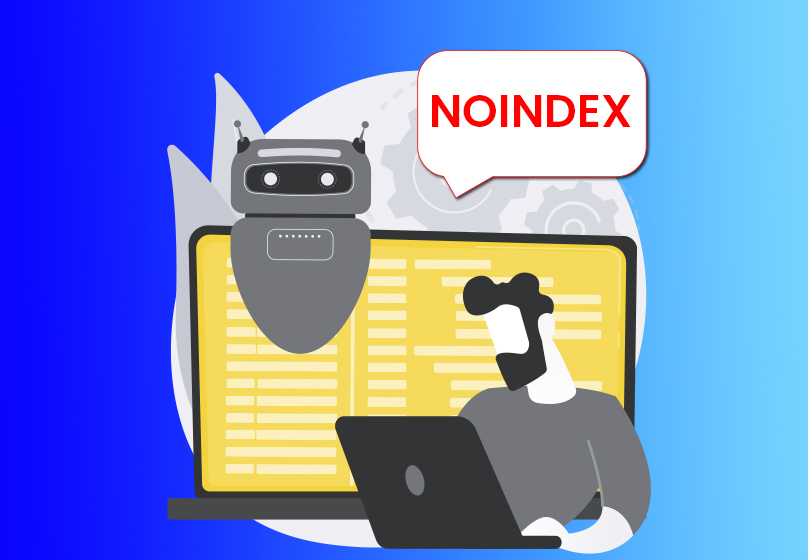
4. Partial Deindexing or "noindex" Tags on Pages
- Some URLs suddenly disappear from Google, even though they were indexed before.
- In some cases, Google refuses to reindex pages flagged negatively by Penguin even if you resubmit them.
- Worse, you might find "noindex" tags added to pages in the source code, even though your team didn’t apply them, possibly caused by plugins, CMS errors, or rollback actions triggered by Penguin.
5. Using SEO Tools to Detect Toxic Backlinks
To determine if Penguin has affected your site, conduct regular backlink audits using advanced SEO tools:
- Google Search Console (GSC)
- Free and user-friendly
- Shows all backlinks recognized by Google
- Allows manual export for deeper analysis
- Ahrefs
- Provides detailed anchor text analysis, referring domains, spam scores
- Filters links from low-DR sites with repeated anchors
- Semrush
- Assigns Toxic Score to each link
- Recommends a disavow list
IV. Common Penalties from Google Penguin
1. Page-Level Penalty
Characteristics:
- Only affects one or a few specific pages, often landing pages that are over-optimized with backlinks.
- The rest of the website may retain its traffic, but the keywords associated with the violating URL lose rankings.
2. Sitewide Penalty
Characteristics:
Occurs when Google detects systemic spammy behavior, often related to:
- Large-scale backlink purchases
- Use of PBNs or auto-linking tools
- Repeating commercial anchor text across many pages
Consequences:
- All ranking keywords may drop significantly, regardless of URL.
- The entire site loses trust in Google’s eyes, and recovery becomes extremely difficult without cleaning up the entire link profile.
3. Impact on Internal Links and Anchor Text
Although Penguin primarily targets external backlinks, Google also evaluates your internal link structure if it detects signs of over-optimization.
Common red flags include:
- Repeatedly using the same exact-match anchor text in internal links (e.g., every post links to /seo-services with the anchor “trusted SEO service”)
- Inserting internal links multiple times on the same page
- Footers packed with keyword-rich internal links
V. How to Recover from a Google Penguin Penalty
If your website shows signs of being affected by Google Penguin—whether local or full ranking drops, don’t rush to delete your site or rebuild from scratch. Since Penguin is now part of the core algorithm and updated in real time, you can recover if you follow the proper process.
Here is a 2025-standard 8-step SEO recovery checklist to lift the penalty and regain your rankings:
Step 1: Audit All Backlinks
Recommended tools:
- Ahrefs → Backlink Profile section
- Google Search Console (GSC) → Links → External Links
Action:
- Export all existing backlink data
- Filter by referring domain, DR (domain rating), and anchor URL
Step 2: Categorize Links as Good – Bad – Neutral
Divide your backlinks into three groups:
- Good links: From related content sites, high DR, diverse and natural anchors
- Bad links: From spam blogs, link-selling sites, repeated commercial anchors
- Neutral links: Can be kept or monitored
Tip: Prioritize removing domains that:
- Have DR < 10
- Are unrelated in content
- Show signs of previous penalties (use Archive.org or Semrush Toxic Score)
Step 3: Manually Remove Bad Backlinks (If Possible)
- Contact the webmasters of the sites where bad links are placed to request removal.
- Use a polite, professional email template (Hunter.io can help find emails).
Step 4: Create and Submit a Disavow File to Google
How to do it:
- Create a .txt file listing all links or domains you want to disavow (use domain: to disavow entire domains)
- Go to the Google Disavow Tool → choose your website → upload the file
Important notes:
- Do not accidentally disavow good links—this will harm your SEO strength.
- After submission, do not resubmit repeatedly. Google processes disavows automatically within a few weeks.
Step 5: Fix Internal Links and Avoid Anchor Spam
Audit your internal linking across the website:
- Are you repeating the same anchor text?
- Are you placing keyword-heavy links in the footer or sidebar?
Solution:
- Replace anchors with natural, meaningful phrases
- Reduce link density to the same URL within a single page
Step 6: Stop All Link Building from Spammy Domains
- Discontinue using cheap backlink services, auto-linking tools, or cloaked PBNs.
- If you're outsourcing to an SEO agency, reassess their current offpage strategy.
Step 7: Optimize Anchor Text with Semantic Variety
Anchor text should not revolve around just the main keywords.
2025 Recommended Anchor Text Distribution:
- 50–60%: Brand anchors (e.g., “Connect Tech”, “homepage”)
- 20–30%: Semantic match anchors (e.g., “website design service in Hanoi”)
- 10%: Pure URL or exact match keyword anchors
Step 8: Rebuild a High-Quality Backlink Profile
This is the recovery phase after you've cleaned your link profile.
Recommended backlink sources:
- Guest posts on industry-related sites
- PR articles on trusted media with clear sponsored/nofollow tags
- Natural links from communities, social media, and reputable directories
See more types of backlinks in this article.
VI. Conclusion
Google Penguin is no longer just a short-term update, it is now part of Google’s core algorithm, operating in real time. That means even the smallest link manipulation can cause your site to drop in rankings without any warning.
Modern SEO is no longer about the quantity of links, but about their quality and contextual relevance. A balanced strategy combining onpage SEO, offpage tactics, entity optimization, and user experience (UX) is the key to long-term success.
Need help checking if your site is penalized by Google Penguin? Leave your URL or message the Connect Tech team, we’ll perform a free audit and recommend the best recovery strategy tailored to your situation

Table of Contents



































