Loading Table of Contents...
Top 9 Easy-to-Use Website Builders That Require No Coding
Explore popular website builders, including WordPress, Wix, Webflow, Framer, and Shopify. Compare features and choose the right tool for your needs.
Website design software helps users build a site's interface, content, and features without developing everything from scratch. WordPress, Wix, Webflow, Framer, and Shopify are popular choices, but each platform serves different needs in design, content, online sales, and SEO.
Connect Tech has compiled nine noteworthy tools and examined their advantages, limitations, and use cases to help you find the right fit.
|
|
|
|
|
|
|
|
|
|
|
|
|
|
|
|
|
|
|
|
|
|
|
|
|
|
|
|
|
|
|
|
|
|
|
|
|
|
|
|
|
|
|
|
|
|
|
|
|
|
|
|
|
|
|
|
|
|
|
|
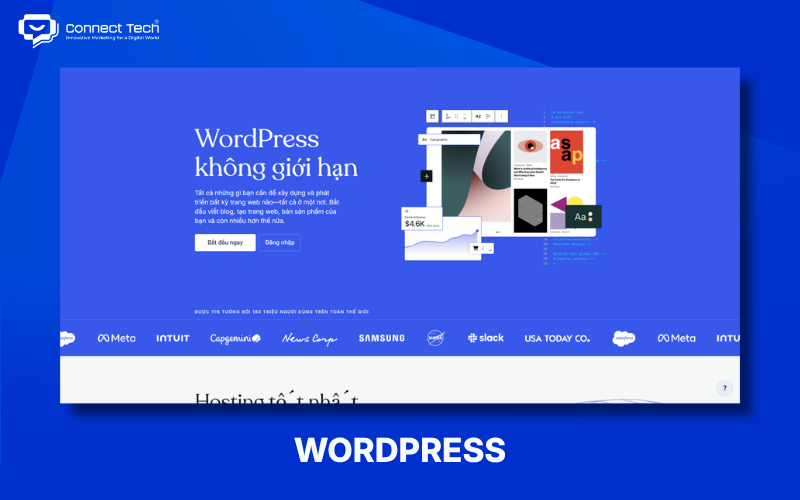
1. WordPress
WordPress is an open-source content management system (CMS) suited to people who need a flexible website that can grow over time. Its extensive collection of themes and plugins helps users create everything from personal blogs to business websites and online stores.
WordPress uses themes to control a site's appearance and plugins to extend its features, allowing users to tailor a website to their business goals. WooCommerce adds products, a shopping cart, payments, and order management to WordPress, making it an option worth considering for e-commerce.
WordPress supports SEO through content structure, URLs, metadata, sitemaps, and its plugin ecosystem. Actual SEO performance, however, still depends on site configuration and implementation quality.
WordPress is best suited for: Businesses, bloggers, news sites, service websites, and stores that want strong control over their content.
Limitations: Site administrators need to manage hosting, security, plugin updates, backups, and maintenance.
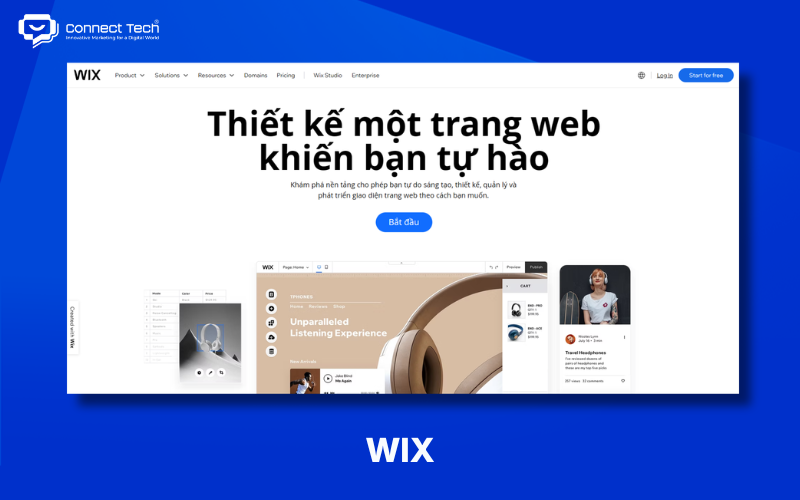
2. Wix
Wix is a no-code website builder for people who want to create a site themselves using drag-and-drop tools. It offers templates, a visual editor, and AI features that help users quickly build a website structure without coding from scratch.
Wix supports business websites, portfolios, blogs, and e-commerce. Its marketing and SEO tools also let users manage several activities on one platform.
Wix is a suitable website builder for beginners because its intuitive interface substantially reduces the technical skills required.
Limitations: Wix prioritizes convenience, so it may offer less control over technical architecture and extensive customization than a custom-built solution.
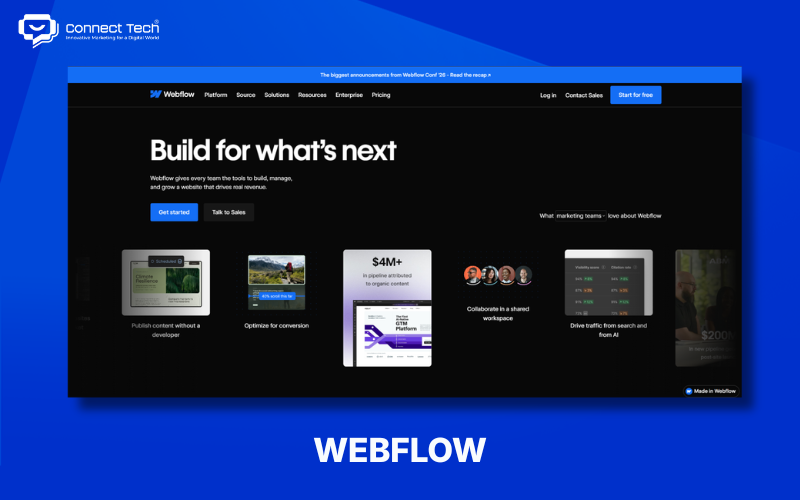
3. Webflow
Webflow is a visual website builder for users who want deeper control over layouts, responsive design, and site structure. It combines visual development with a CMS, allowing designers to create websites without writing all the HTML, CSS, and JavaScript by hand.
Webflow supports responsive layouts, animations, interactions, CMS features, and SEO settings. This makes it suitable for marketing websites, portfolios, and brands that need a polished interface.
Webflow is also adding AI to website optimization workflows. Its SEO and answer engine optimization (AEO) workflows can help check elements such as titles, meta descriptions, alt text, and schema markup.
Webflow is best suited for: Designers, marketers, agencies, and businesses that need visually refined websites.
Limitations: Webflow has a steeper learning curve than basic drag-and-drop platforms, especially for users who want to make full use of its layout and CMS features.
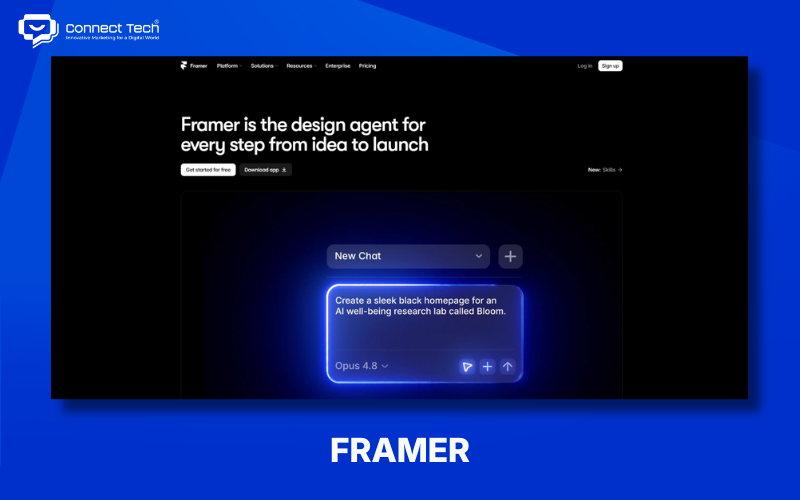
4. Framer
Framer is a design-first website builder suited to landing pages, portfolios, and modern marketing websites. It brings together visual editing, responsive design, animation, a CMS, and AI to narrow the gap between an interface design and a live website.
Framer lets designers create sections, layouts, and interactions visually. It is especially suitable for startups, personal portfolios, and websites that need to launch quickly.
Framer's AI can help generate an initial website and content, but users still need to review the structure, brand messaging, and real-world user experience.
Limitations: Framer may be less suitable for e-commerce websites or systems with complex business logic.
5. Shopify
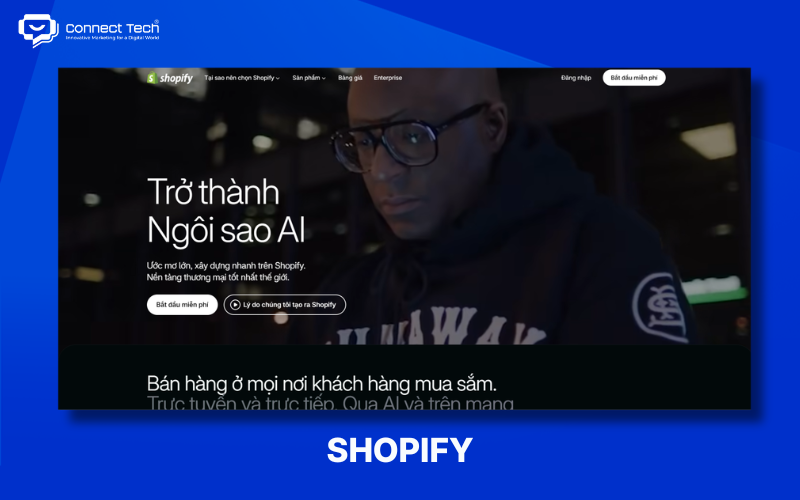
Shopify is an e-commerce platform focused on building and running online stores. It provides product management, shopping carts, checkout, payments, inventory, orders, and add-on apps within one ecosystem.
Its app ecosystem and integrations help businesses expand their sales operations, making Shopify suitable for domestic e-commerce as well as international selling models.
Shopify greatly reduces the amount of back-end development needed for a store. Users still need to choose suitable themes, apps, payment methods, and operating settings.
Shopify is best suited for: Retail brands, e-commerce businesses, and people who want to focus on online selling.
Limitations: Shopify may be unnecessary if a website's sole purpose is to introduce a company or publish content.
6. Squarespace
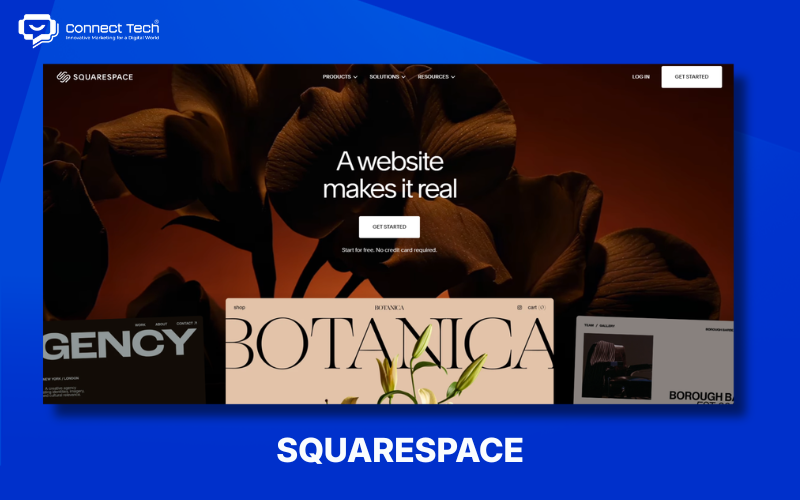
Squarespace is a website builder that emphasizes templates, branding, and straightforward site management. It offers designs for portfolios, businesses, blogs, and e-commerce sites.
Its templates and visual editing tools help users keep their branding consistent. This makes it suitable for individuals and small businesses that want an attractive website without handling many technical tasks.
Squarespace is best suited for: Portfolios, creative studios, freelancers, service websites, and visually focused brands.
Limitations: Its customization options and support for complex business logic may not meet the needs of projects with specialized technical requirements.
7. Hostinger Website Builder
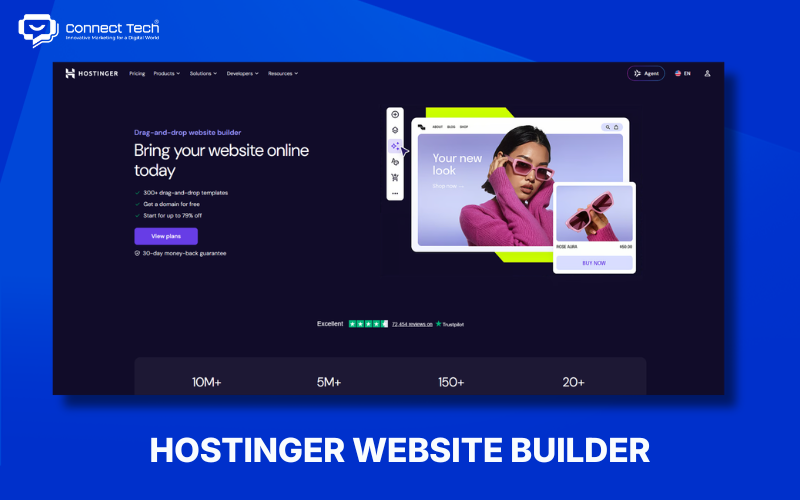
Hostinger Website Builder combines AI, website creation tools, and hosting to simplify launching a site. Users can start with a template or use AI to generate an initial structure, then edit the content and design in a visual editor.
Integrated hosting reduces the number of services beginners must set up themselves. AI tools can also help create content, layouts, and certain website elements.
Hostinger is an option for people seeking a no-code website builder when the goal is to launch a basic site through a simple process.
Best suited for: Individuals, freelancers, and SMEs needing an informational site or a modest online store.
Limitations: Its options for extensive customization and specialized workflows are more limited than those of a CMS or a custom-built solution.
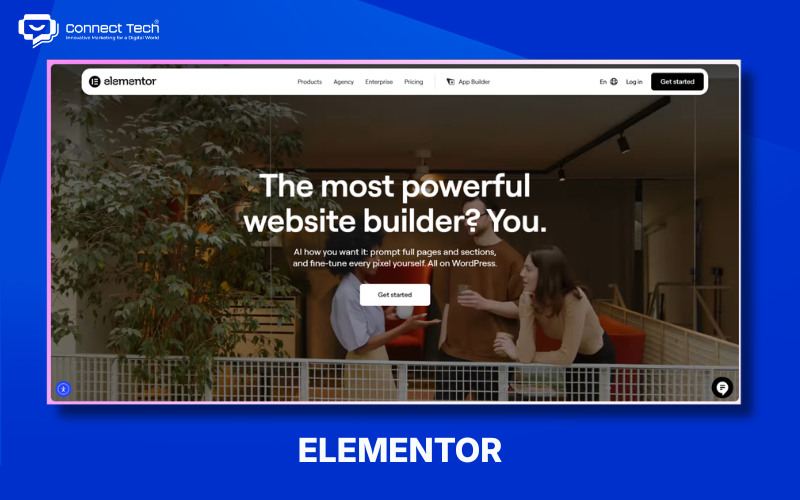
8. Elementor
Elementor is a page and website builder within the WordPress ecosystem, rather than a standalone CMS. It offers a visual editor, drag-and-drop editing, templates, and a Theme Builder to make designing WordPress websites more intuitive.
Elementor supports WooCommerce, landing pages, headers, footers, and many other interface elements. It is therefore useful for freelancers, marketers, and teams managing WordPress sites.
Elementor makes it possible to build many types of WordPress websites without coding, though users still need to operate the underlying WordPress platform.
Limitations: Elementor depends on WordPress, themes, and plugins, so performance and compatibility need careful management.
9. Google Sites
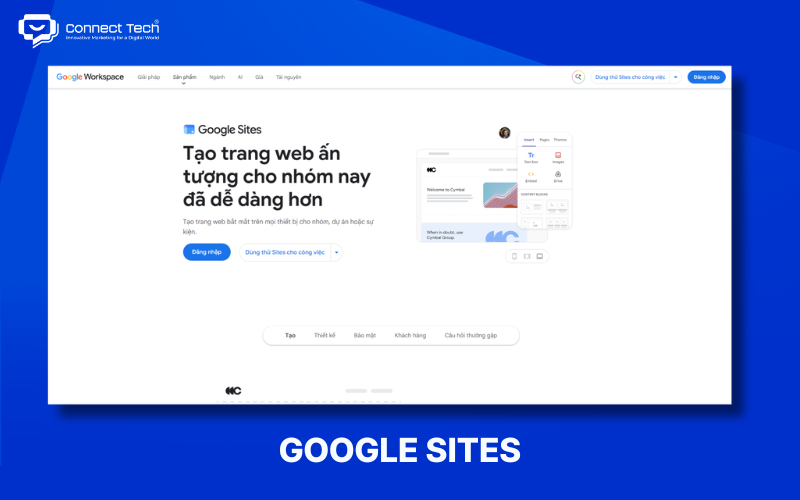
Google Sites is a simple website creation tool for people who prioritize speed and integration with Google's services. Users can create pages without programming knowledge and add content from Google Drive, Docs, Sheets, or Forms.
Google Sites works well for internal websites, project documentation, study groups, educational activities, and sites with minimal feature requirements.
It is easy to use because creating pages is relatively intuitive and users do not need to manage hosting or code.
Limitations: Google Sites offers limited design customization, advanced SEO options, and e-commerce features, making it unsuitable for commercial websites that need substantial room to grow.
Which Website Builder Should You Choose?
The right tool depends on your website goals, technical skills, and plans for growth. Decide what the site needs to accomplish before comparing the number of templates or AI features.
If you do not know how to code
Wix, Hostinger Website Builder, Squarespace, and Google Sites suit users without coding experience. They offer visual editors, templates, or AI to reduce the technical work involved.
If you are building a business website
WordPress, Webflow, Wix, and Framer can meet common business website needs. WordPress works well for content strategies and growth, Webflow for visual development, and Wix and Framer for visual site-building workflows.
If you are building an online store
Shopify and WooCommerce are suitable for e-commerce websites because they provide sales-specific features. Shopify is a dedicated e-commerce platform, while WooCommerce adds selling capabilities to WordPress.
Vietnamese businesses can also consider local e-commerce platforms when they need payment, shipping, CRM, marketing, or operating processes tailored to the Vietnamese market.
If you are building a blog or content-heavy website
WordPress works well for websites with large amounts of content thanks to its CMS and flexible content management. Webflow CMS is also suitable for marketing websites that need to combine content with a visually designed experience.
If you are a designer
Webflow and Framer suit designers who want to turn visual designs into published websites. Figma can be used to design the UI/UX and create prototypes before the interface is built in Webflow or Framer.
If you want to use AI
Wix, Framer, Hostinger Website Builder, and AI tools in the WordPress ecosystem suit users who want AI assistance while building a website. AI can help generate layouts, content, images, or an initial structure, but users still need to review UX, branding, SEO, and business logic.
Beginners may prefer a no-code builder; content-heavy sites may benefit from a CMS; online stores can use an e-commerce platform; designers may choose a visual builder; and complex systems may require custom development.
If your business is unsure whether to use a CMS, a website builder, or custom development, Connect Tech can help assess your needs, select technologies, and handle UX/UI design, development, testing, SEO, and ongoing website operations
Table of Contents
Related news
60 Website Design Terms Explained Simply for Beginners
Learn 60 website terms, from domains, hosting, UI/UX, frontend, and backend to SEO, security, and technology, with simple explanations for beginners.
Top 9 Easy-to-Use Website Builders That Require No Coding
Explore popular website builders, including WordPress, Wix, Webflow, Framer, and Shopify. Compare features and choose the right tool for your needs.
Top 9 Reputable Website Design Companies in Ho Chi Minh City
Compare nine reputable website design companies in Ho Chi Minh City by their strengths, services, technologies, and suitability to find the right web design partner.

Professional SEO-Optimized E-commerce Website Design
Professional SEO-optimized e-commerce website design with an optimized user experience, payment, order management, and operations. Full-service e-commerce website design tailored to your needs.
Custom SEO-Optimized WordPress Website Design Solutions
WordPress website design guide. Providing professional web design services to help businesses optimize UX and boost conversion rates. Get a quote now!

Complete SEO-Friendly Custom Corporate Website Design
Complete corporate website design with professional UX/UI, SEO optimization, and conversion-focused solutions. Explore Connect Tech’s pricing and services.